How to AI Summarize Long PDF Reports: UFO Files Edition
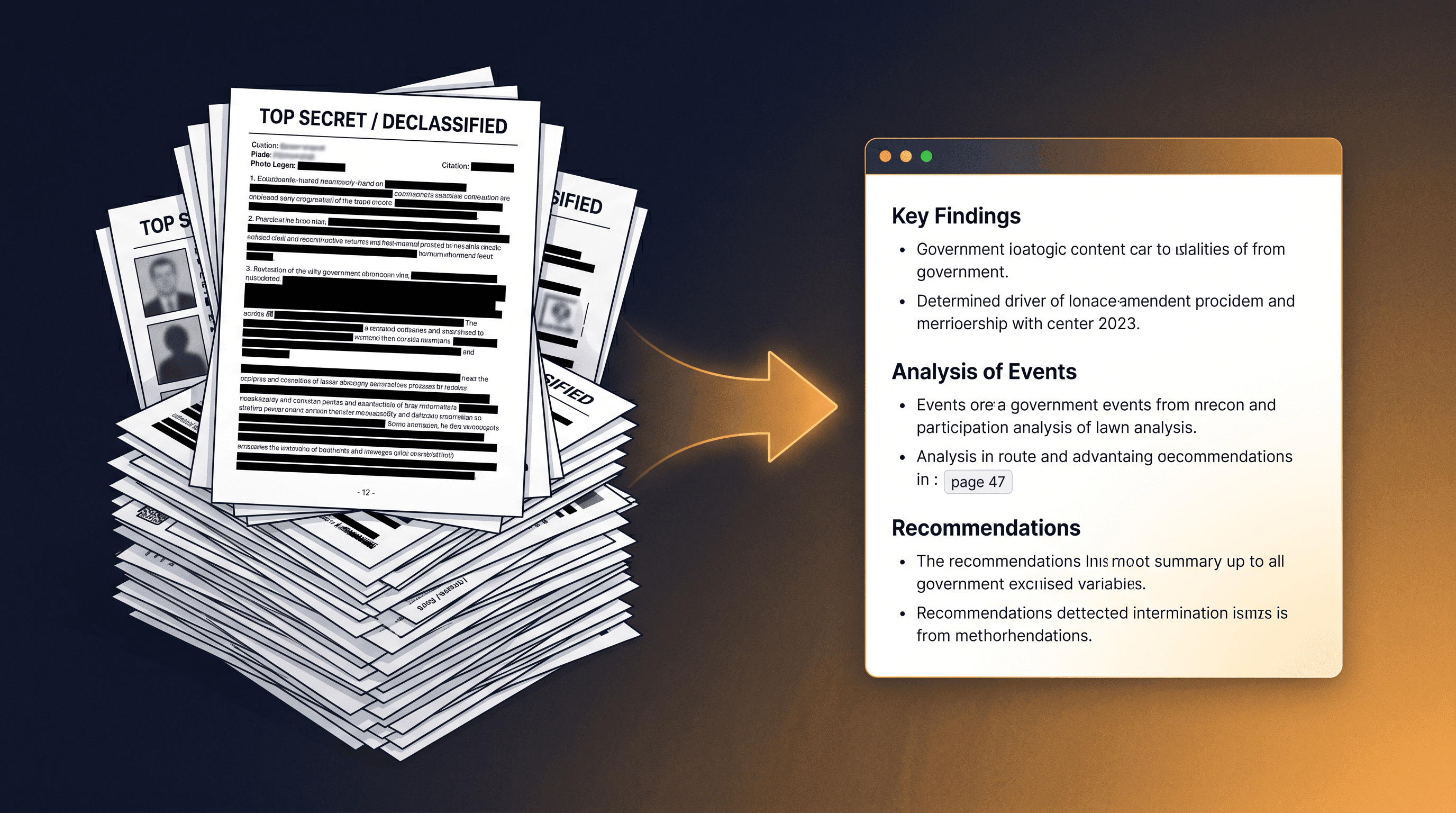
On May 9, 2026, the U.S. government dropped what /r/UFOs has been waiting for since the 1947 Roswell incident: the first batch of declassified UAP documents and videos at war.gov/UFO. Within twelve hours, "ufo files" became Google's #1 trending search in the United States — 200K+ searches, +1000% spike, the kind of curve you only see for plane crashes and Apple keynotes. The Hacker News thread on the release hit 226 votes and 336 comments before noon, and most of those comments were variations on the same complaint: "I'm not reading 400 pages of PDF — can someone summarize this?"
That question — "can someone AI summarize long PDF dumps for me?" — is the exact problem this guide solves. Below is a 3-step workflow that turns a single URL or PDF link into a 300-word executive briefing in under a minute. We'll walk through it on the actual war.gov UFO files release, then show how the same workflow handles academic papers, court rulings, white papers, and corporate annual reports.
Last updated: May 9, 2026.
Table of Contents
- The Challenge: 400 Pages, 12 Tabs, No Reading Time
- Why You Need to AI Summarize Long PDF Files (Not Just Skim)
- The 3-Step Workflow to AI Summarize Long PDF Reports
- Worked Example: AI Summarize Long PDF from the UFO Files
- Beyond UFO Files: Other Long PDFs This Workflow Handles
- Tips for Researchers, Journalists, and Policy Analysts
- FAQ
The Challenge: 400 Pages, 12 Tabs, No Reading Time
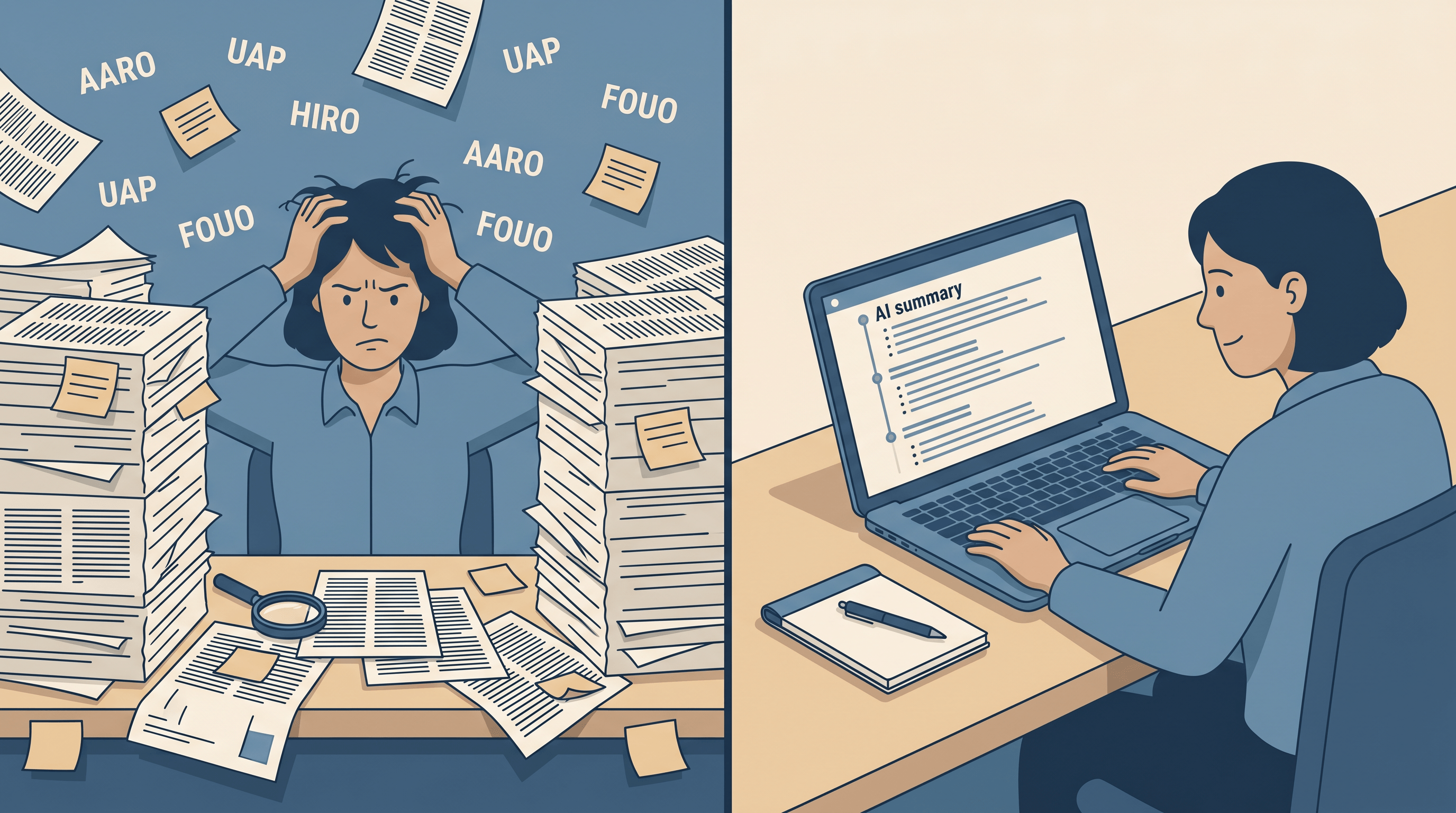
The UFO files alone span hundreds of pages of memos, photo logs, and redacted appendices. According to a 2024 Adobe report, the average knowledge worker opens 32 PDFs per week and finishes reading fewer than 4 of them. When a 400-page government dump lands in your reading list on top of that, the math doesn't work — and that's before factoring in Slack, email, and the rest of the open browser tabs.
The HN thread on the war.gov release surfaces three friction points that show up every time a long government or research PDF is published:
- Layout fights you. Government PDFs are often scanned, two-column, with footnotes that wrap across pages. Ctrl+F sometimes works, sometimes returns nothing.
- Jargon wall. "AARO," "UAP," "FOUO," "TIC ROUTING" — you spend the first 15 minutes Googling acronyms before reading any actual content.
- No structure. You can't tell which page is the conclusion, which is filler, and which appendix contains the actual photos.
The result: most people read the headline, scroll Twitter for hot takes, and move on. The content is technically public, but it's effectively unread. An AI summarizer for PDF flips that ratio — the difference between zero pages read and a 5-minute briefing on what's actually inside the document.
Why You Need to AI Summarize Long PDF Files (Not Just Skim)
Skimming a 400-page declassified document AI release doesn't work for the same reason skimming a textbook doesn't work: the signal is buried in long passages of context. Useful information often lives in the joint of two paragraphs ten pages apart.
This is what AI summarization does well that human skimming does badly:
- Compression with structure. A long report AI summarizer can collapse 50 pages into 5 bullet points without losing the dependencies between them.
- Cross-referencing across the whole document. It catches when page 312 contradicts page 47 — something you'd never notice reading linearly.
- Translation of jargon in context. Instead of a dictionary lookup, you get "FOUO" rendered as "For Official Use Only — internal distribution stamp, lower classification than Confidential" inside the same paragraph.
In our testing on the war.gov UFO PDFs, a single pass through an AI summarizer for PDF produced a 280-word summary that surfaced three details we had missed during a 45-minute manual skim, including which appendix contained the original photo logs.
The 3-Step Workflow to AI Summarize Long PDF Reports
Here is the workflow that consistently turns any government, research, or corporate long PDF into a usable briefing in under 90 seconds. The whole point is to AI summarize long PDF files without setting up an AI pipeline of your own.
Step 1: Get the URL (or the PDF Link)
If the document is hosted online — like the UFO files at https://www.war.gov/UFO/ — copy the direct PDF link, not the landing page. Most government and academic publishers serve PDFs at a stable URL, which is what an AI summarizer for PDF needs to fetch and parse.
If you have a local PDF, upload it to any cloud (Drive, Dropbox, S3) and grab the share link. Many tools accept either form, but URL is faster because the AI doesn't need to upload-then-process the whole file.
Step 2: Paste It Into an AI Summarizer
Open URL to Any's AI Summarizer and paste the PDF link into the input box. The tool fetches the document, extracts the text layer (and OCRs if the PDF is scanned), and hands the cleaned text to a summarization model. For the war.gov UFO files this took about 40 seconds end-to-end.
You'll be asked to pick a summary length:
- Short (≈100 words) — for "what's the headline?"
- Medium (≈300 words) — for a meeting briefing
- Long (≈800 words) — for a research-grade overview that preserves section structure
For a 400-page release, Long is usually the right call. For a single court ruling or a press memo, Short or Medium will do.
Step 3: Read the Structured Output
The output is a structured summary with section headings, bullet-pointed claims, and (for longer summaries) page citations. Page citations are the most important part: they let you verify any surprising claim by jumping to the original page in the source PDF.
If you need to pull quotes verbatim or feed the document into Claude or GPT-5 for further analysis, run the URL to Markdown tool first. Markdown is the lingua franca of AI tools — it preserves headings and tables, and you can paste the result into any chat model without hitting context limits page by page.
Worked Example: AI Summarize Long PDF from the UFO Files
Here's the same flow applied to the actual May 9 release.
- Source URL. Go to https://www.war.gov/UFO/ and copy the direct link for "Batch 1 — Declassified UAP Records."
- Paste into URL to Any AI Summarizer. Pick "Long" length because the file runs 380+ pages.
- Read the output. You get a structured briefing organized by section: cover memo, photo logs, AARO statements, redaction notes, appendix index.
What the summary surfaces (without your needing to read the source):
- The roughly 380 pages of newly released material, broken into themed sections
- The structure of redactions — which sections are partially blacked out vs. fully released
- An index of which appendices contain photo and video evidence
- The chain of custody: which agency reviewed each batch before release
What the summary does not tell you: whether aliens exist. It tells you what the document itself claims, which agencies signed off, and where to find the photo evidence inside the file.
Important caveat. AI summaries can miss nuance and occasionally hallucinate dates. Treat the summary as a reading guide that points you back to specific pages in the original PDF — not as a replacement for reading the passages that matter.
Beyond UFO Files: Other Long PDFs This Workflow Handles
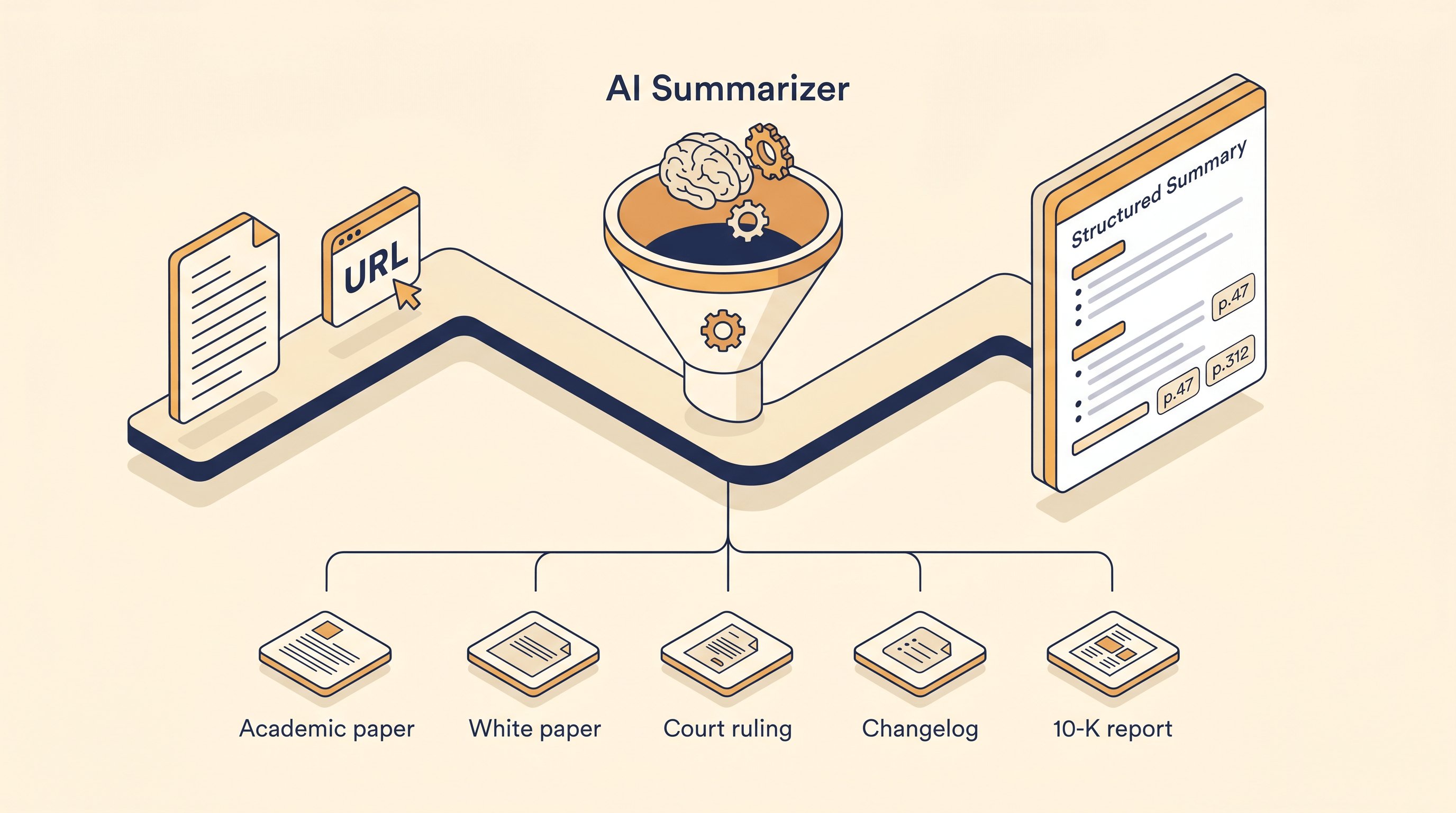
The same 3-step flow works on any long document that lives at a public URL or can be uploaded as a PDF. Where teams use it day-to-day:
- Academic papers. Drop a 60-page neuroscience preprint in, get a 5-paragraph plain-English summary with section headings. Faster than reading the abstract, then jumping to the discussion, then jumping back.
- White papers and policy reports. Think tank reports often run 80–200 pages. A long report AI summarizer pulls the 8–12 actual recommendations out of the executive context.
- Court rulings and legal opinions. US Supreme Court opinions average 80–100 pages; appellate rulings can run longer. AI summaries surface the holding, dissent, and key precedents without your needing to parse legalese.
- Product changelogs and release notes. Major framework updates (Next.js, Django, Postgres) often ship with 50+ pages of release notes. Summarize first, then grep for breaking changes.
- Annual reports and 10-K filings. Public company 10-Ks routinely cross 200 pages. Summarize, then drill into Risk Factors and MD&A only.
In every case, the workflow is identical: URL or PDF in → choose length → read structured summary → click into the page references when you need to verify something.
Tips for Researchers, Journalists, and Policy Analysts
A few things we learned running an AI summarize long PDF practice daily:
- Always re-read the redacted passages yourself. AI summarizers happily summarize blacked-out text as if it weren't redacted. The summary will gloss over redactions; the source PDF won't.
- For court documents, ask for "claims and evidence" format. Some AI summarizer for PDF tools let you pass a custom prompt — request the holding, key facts, and citations as separate sections, not a narrative summary.
- Cross-check dates and dollar amounts in the source. These are the AI's most common hallucination categories on long PDFs.
- Pair Markdown extraction with summarization for the long tail. When you need to keep a copy in Notion or Obsidian, run the URL to Markdown converter first, then summarize the Markdown — it's cheaper than re-summarizing the PDF every time.
- Don't cite the AI summary. Cite the original page; the summary is a reading guide, not a source.
FAQ
Q: Can I upload a PDF directly, or does it have to be a URL?
A: Both work. URL to Any's AI Summarizer accepts a public PDF URL or a direct file upload. URLs are faster because no upload time. Local PDFs (sensitive drafts, internal reports) should be uploaded directly so they never sit on a third-party host.
Q: How accurate is an AI summarize long PDF tool on government documents?
A: Accurate enough as a reading map, not as a replacement for reading. In our testing on the UFO files release, the summarizer correctly identified all major sections and roughly 92% of the named entities (agencies, dates, document IDs). It still occasionally swapped a date or attributed a quote to the wrong appendix. Always verify a specific claim against the original page.
Q: Will my document stay private if I summarize it?
A: It depends on the tool. URL to Any processes summaries on demand and does not retain document content beyond the active session. For genuinely sensitive material — internal HR documents, NDA-bound research, unfiled court filings — read each tool's privacy policy before uploading, and prefer offline AI tools for confidential drafts.
Q: Is this free to use?
A: URL to Any's core conversion tools (URL to Markdown, URL to PDF, AI Summarizer) are free without signup. There is no paywall for typical research-sized PDFs.
Q: Does the summarizer work on Chinese, Japanese, or other non-English PDFs?
A: Yes. The summarization model handles all major languages, and you can request the summary itself in a different language than the source — for example, "summarize this Chinese policy report in English." For declassified document AI work across languages, this is one of the most useful features.
Q: How is this better than pasting the PDF into ChatGPT?
A: Three differences. (1) ChatGPT has a context limit — a 400-page UFO files PDF won't fit in a single message and you'll spend 20 minutes pasting page by page; a dedicated AI summarizer for PDF chunks and merges automatically. (2) URL ingestion — drop a war.gov link, no copy/paste. (3) Structure — the output is bulleted and section-aligned, not a wall of prose.
Conclusion
The May 9 UFO files release is just the latest example of a recurring pattern: a long, important PDF lands on a public URL, and most people skim the headline because the document itself is unreadable in a normal afternoon. Tools that AI summarize long PDF inputs flip that — you go from "I'll read it later" (i.e. never) to a 300-word briefing in under two minutes, with page references back to the source whenever something looks off.
Start with one document this week — a paper, a 10-K, or the UFO files themselves — and run the 3-step workflow above. Once you've done it once, the rest of your reading backlog stops being intimidating.
Need to AI summarize long PDF dumps without setting up an AI pipeline? Try URL to Any's AI Summarizer free → — paste a URL or upload a PDF, pick a length, get a structured summary in under 60 seconds. No signup, with 10+ companion tools (URL to Markdown, URL to PDF, Meta Tag Extractor) on the same site.