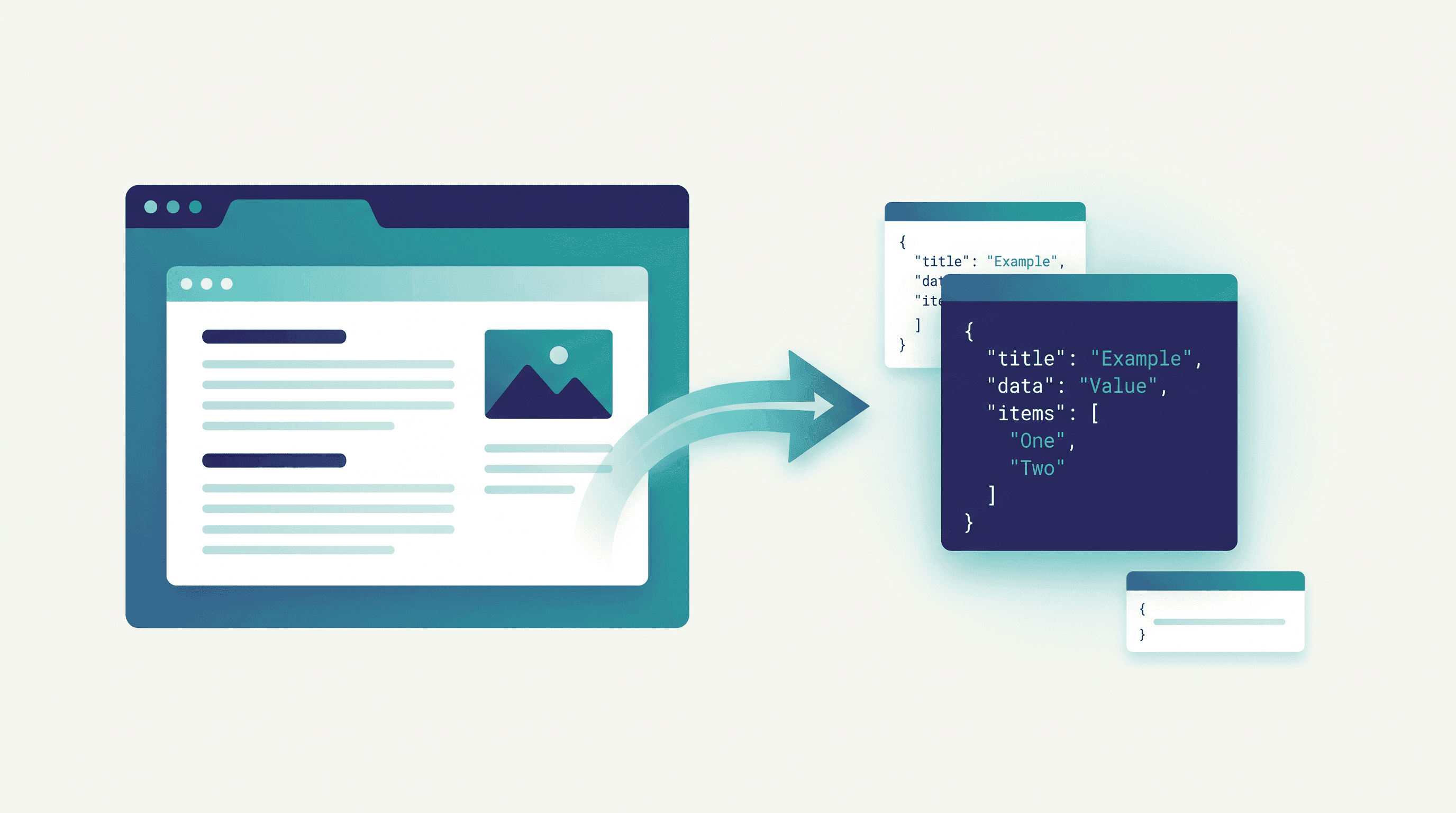
How to Extract Web Data to JSON Without Building a Scraper
You found the exact data you need sitting on a web page — a list of products with prices, an article's author and publish date, a table of specs. Now you want it as clean JSON so you can drop it into a spreadsheet, feed it to a script, or paste it into an LLM prompt. The classic answer is "write a scraper." But spinning up Python, fighting CSS selectors, and babysitting proxies for what might be a one-time job is overkill.
There's a faster path. This guide shows you how to extract web data to JSON without building or maintaining a scraper — turning any public URL into structured data in seconds. The idea got a visible push in June 2026 when Tabstack Structured Extraction landed at #8 on Product Hunt with a blunt tagline: "Extract web data into structured JSON, no scraper required." No-code, no-scraper extraction has gone mainstream.
We'll keep one line sharp throughout: this is about fast conversion of ordinary web pages, not standing up enterprise crawler infrastructure to harvest millions of URLs. If you need one page, ten pages, or an occasional batch as JSON, you're in the right place.
Last updated: June 16, 2026
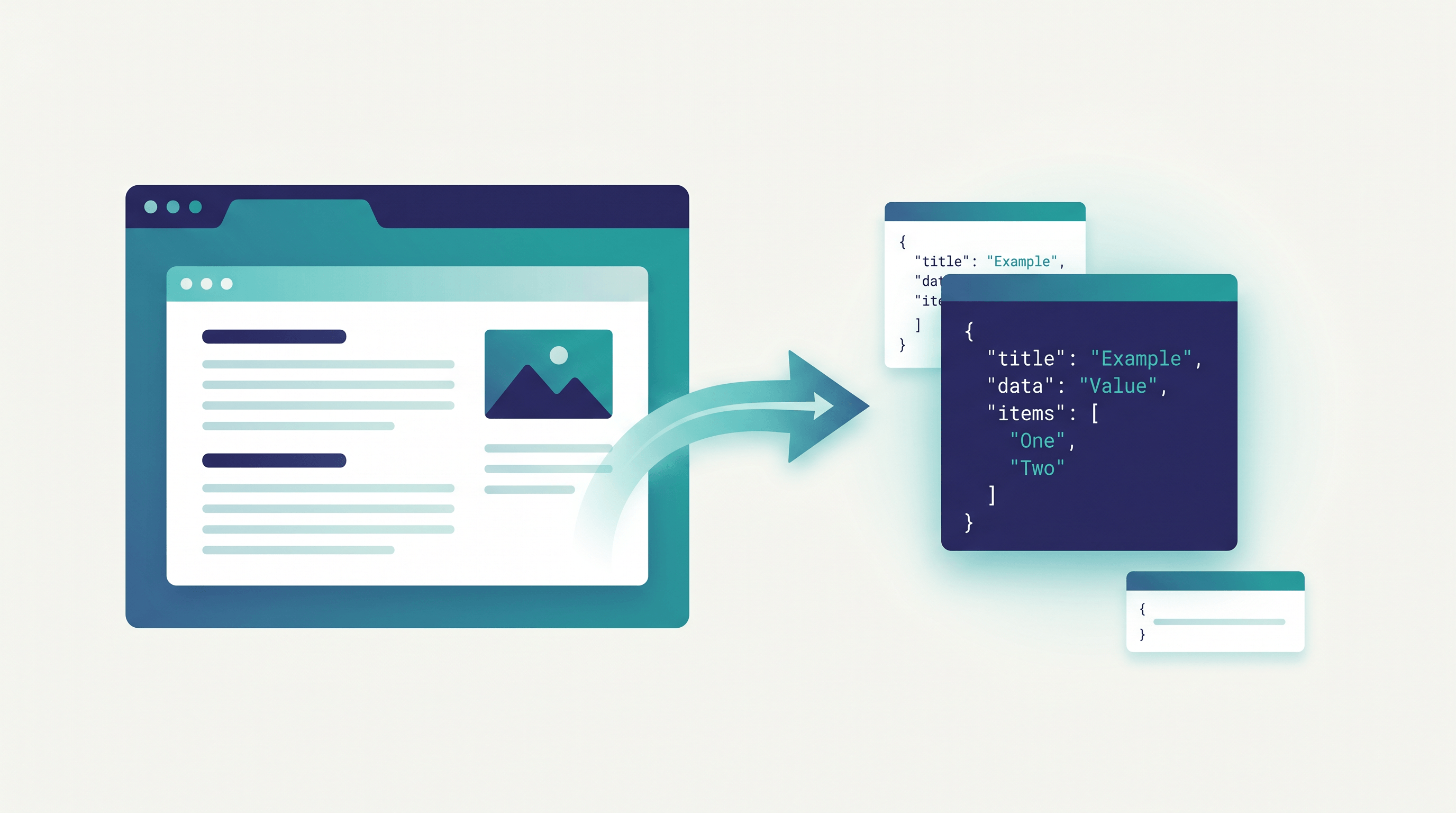
Table of Contents
Why Extract Web Data to JSON?
Extracting web data to JSON turns messy HTML into a clean key-value structure that programs, spreadsheets, and AI models can read directly. JSON is the native language of APIs and modern tooling, so once a page becomes JSON, you can sort, filter, store, and analyze it without ever touching raw HTML again.
The use cases are everywhere. Marketers pull competitor prices for an occasional check. Writers collect article metadata — title, author, date — into a content database. Teams building an AI assistant turn product specs and FAQ pages into a structured knowledge base the model can ground on. Developers feed LLM pipelines that expect clean fields instead of a blob of tags. In each case the win is the same: structured data goes in, real work comes out.
JSON earns its spot over CSV or raw HTML because it handles nesting. A product isn't just a name and price — it has a list of images, a set of variants, a rating with a review count. JSON represents those arrays and nested objects natively, and every modern language parses it in one line.
Here's the part that changed. A traditional scraper is code you write, host, and repair every time the target site tweaks its markup. For a single page or an occasional pull, that maintenance cost dwarfs the value of the data. Tabstack's Product Hunt launch and tools like URL to Any reflect the shift: extraction is becoming a utility you call, not a system you own and babysit.
Step-by-Step Guide
To extract web data to JSON without a scraper, list the fields you want, decide whether you actually need a scraper, paste the page URL into a no-code converter, validate the output, then use it. Each page takes well under a minute.
Step 1: Pin Down the Data You Actually Need
Before you touch any tool, write down the specific fields you want: title, price, in_stock, rating, the rows of a table — whatever the page holds that matters to you. Knowing the target shape keeps your JSON lean and tells you whether a plain page-to-JSON conversion is enough or you need field-level precision.
Expected result: a short target schema, e.g. { title, price, in_stock, rating }.
Step 2: Decide — Converter or Scraper?
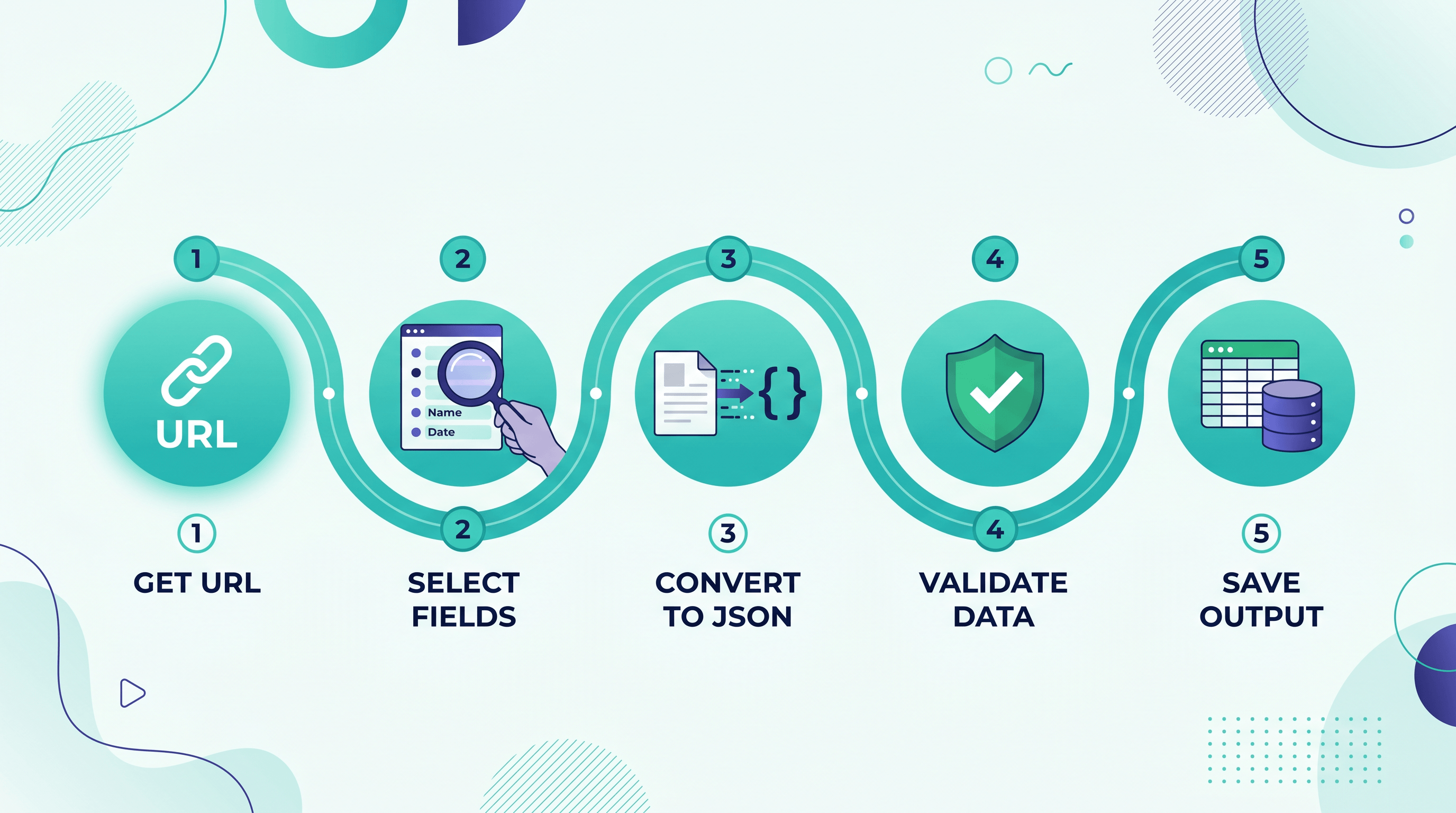
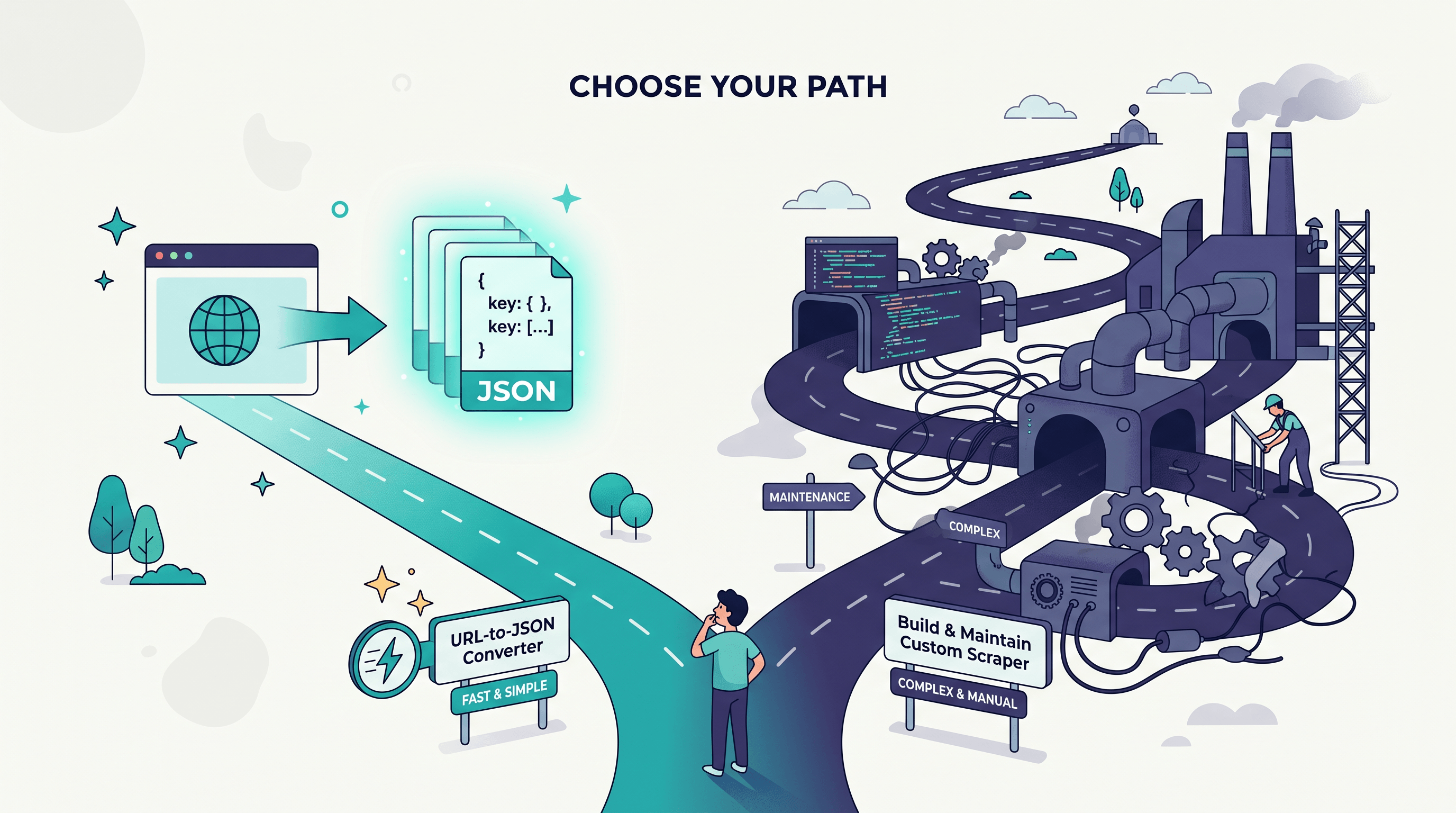
This is the fork that matters. Build a scraper only when you need thousands of URLs on a schedule, behind logins, with anti-bot evasion — that's crawler infrastructure, a real engineering project. For a single page, a handful of URLs, or an occasional batch, a URL-to-JSON converter is faster and carries zero maintenance.
| Your situation | No-scraper URL-to-JSON | Build a scraper |
|---|---|---|
| One page or a few URLs | ✅ Best fit | ❌ Overkill |
| Occasional / one-off pulls | ✅ Seconds, no setup | ❌ Hours of coding |
| Millions of URLs on a schedule | ⚠️ Not designed for this | ✅ Right tool |
| Pages behind logins / heavy anti-bot | ⚠️ Limited | ✅ Needed |
| Maintenance when the site changes | ✅ None on your side | ❌ You own it forever |
If you're on the green column, keep going. If you're truly in scraper territory, this guide isn't your tool — and that's fine.
Step 3: Convert the URL to JSON
Paste the page URL into a no-code converter and choose JSON as the output. The tool fetches the page, parses its content and metadata, and hands back structured JSON in a couple of seconds — no environment, no code.
For a free option, paste the URL into URL to Any's URL to JSON tool and run it — the conversion takes about two seconds and returns the page's content and metadata as JSON, no signup required. If the page is messy and you'd rather eyeball the clean content first, run it through the same site's URL to Markdown, confirm you've got the right page, then convert.
Expected result: a JSON object holding the page's structured content.
Step 4: Validate and Shape the JSON
Check the output against your Step 1 schema. Drop fields you don't need, rename keys for consistency across pages, and confirm the data types — numbers should be numbers, not strings wrapped in quotes. Paste the result into a JSON validator or your editor to catch any malformed output before it flows downstream.
Expected result: clean JSON that matches your intended schema.
Step 5: Put the JSON to Work
Import it into a spreadsheet via a JSON-to-table step, load it into a script, write it to a database, or feed it straight to an LLM. Because it's standard JSON, every downstream tool already speaks the language — no glue code required.
Expected result: data flowing into your actual workflow.
Pro Tips for Better Results
A few small habits make no-scraper extraction more reliable: define your schema first, prefer clean content pages, re-run instead of caching forever, and keep your volume reasonable.
- Define the schema before you extract. Deciding your target fields upfront stops you from collecting noise and makes JSON from different pages line up cleanly.
- Favor article and content pages. Pages built around readable content — articles, docs, product pages — convert cleanly. Heavy JavaScript apps and infinite-scroll feeds are where real scrapers still earn their keep.
- Re-run instead of automating too early. For prices or stock that change, a quick re-conversion beats standing up a scheduled crawler. Only automate when the volume genuinely demands it.
- Convert to Markdown first when a page looks messy. If JSON output comes back cluttered, extract to Markdown or plain text first to see the clean content, then map the fields you want.
- Respect the source. Stick to public pages, check the site's terms of service, and keep request volume modest. No-scraper tools are built for legitimate, small-scale extraction — not for hammering a site.
FAQ
Q: Can I extract web data to JSON without writing any code?
Yes. A no-code URL-to-JSON converter does it for you — paste the page URL, choose JSON, and get structured output in seconds. You only need code when you're building a large, scheduled crawler, which is a separate job entirely.
Q: What's the difference between a URL-to-JSON converter and a web scraper?
A URL-to-JSON converter turns a single page into structured data on demand, with no setup. A scraper is custom code you write, host, and maintain to harvest many pages continuously. Converters fit one-off and small jobs; scrapers fit large-scale crawler infrastructure.
Q: Is converting a web page to JSON legal?
Extracting publicly available data from pages you're allowed to view is generally fine, but it depends on the site's terms of service and your local laws. Avoid logged-in or paywalled content, respect robots.txt and rate limits, and don't republish copyrighted material.
Q: How long does it take to convert a URL to JSON?
With a no-scraper tool, a single page usually converts in about two to five seconds. There's no environment to set up, so you go from URL to usable JSON almost immediately.
Q: When should I build a real scraper instead?
Build a scraper when you need thousands of pages on a recurring schedule, must handle logins or aggressive anti-bot defenses, or require deep crawling of an entire site. For anything smaller, a URL-to-JSON converter is faster and has no maintenance cost.
Conclusion
Extracting web data to JSON no longer means building a scraper. Pin down the fields you need, pick a no-code URL-to-JSON converter, paste the URL, validate the output, and feed it into your workflow — usually in under a minute per page. Save real scrapers for true crawler-scale jobs; for everything else, conversion is now a utility you call on demand. Tabstack's Product Hunt run is one more sign that "no scraper required" is becoming the default for everyday web data work.
Your next step: pick one page you've been meaning to turn into data, run it through a converter, and see the JSON for yourself.
Need to turn web pages into JSON, Markdown, PDF, or other formats? Try URL to Any free → — 10+ conversion tools, no signup, and no scraper to maintain.