How to Transcribe YouTube, TikTok, X Videos to Text Free
Last week a yapsnap entry climbed to #17 on Hacker News — a small open-source CLI that runs Whisper on your CPU to transcribe YouTube, TikTok, X, and Instagram videos locally. The thread filled up within hours, mostly with the same comment: "finally, a way to get the text out of a TikTok without uploading it to some sketchy site." The demand is obvious. The question is whether you actually want to compile a Python project to get a 90-second TikTok transcript.
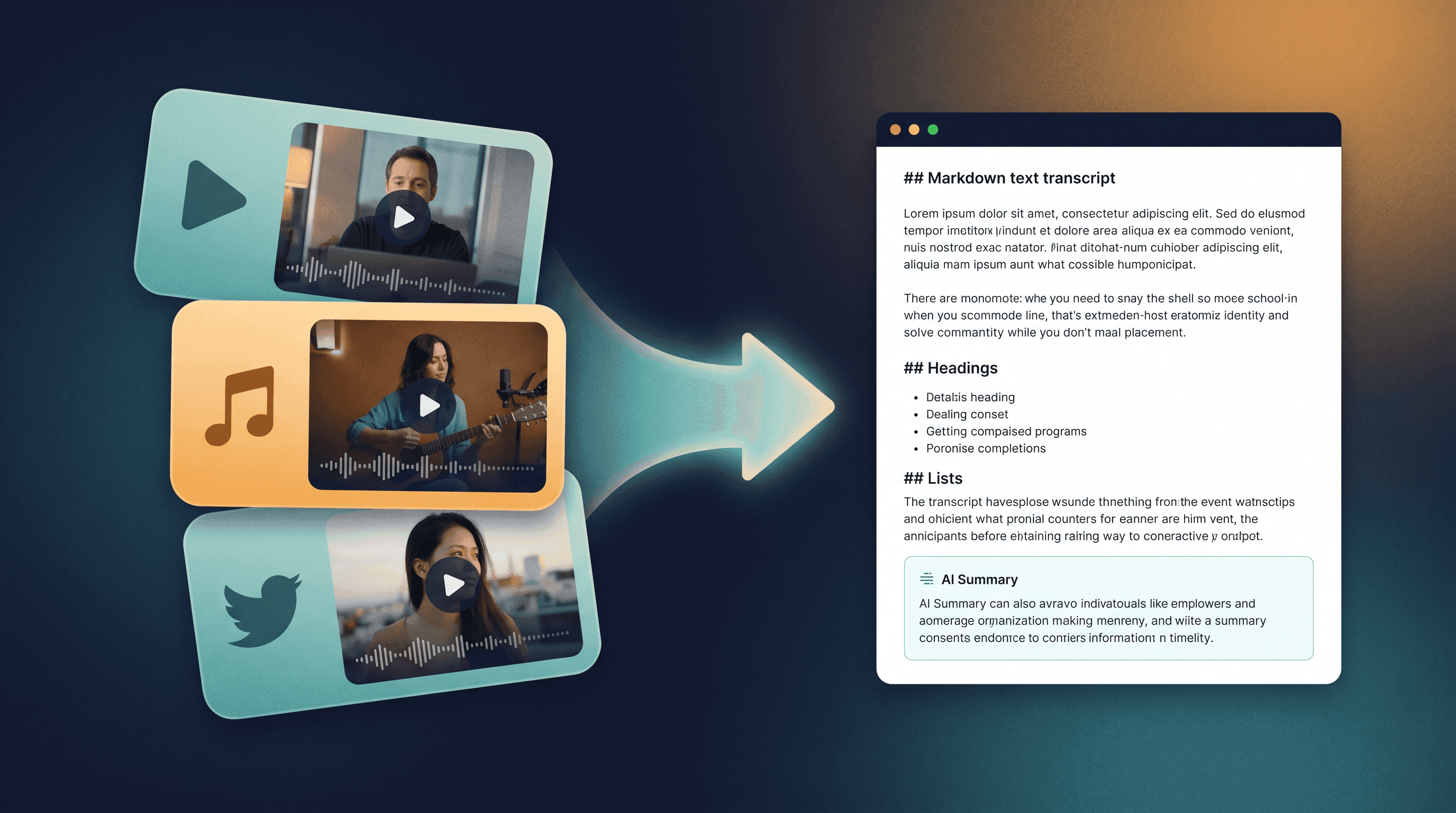
This guide walks through a 3-step URL-based workflow that turns a YouTube, TikTok, or X video link into a clean text transcript and a structured summary — no install, no GPU, no API key. Then it compares that workflow honestly with yapsnap, so you know which one to pick for your use case.
Last updated: May 21, 2026.
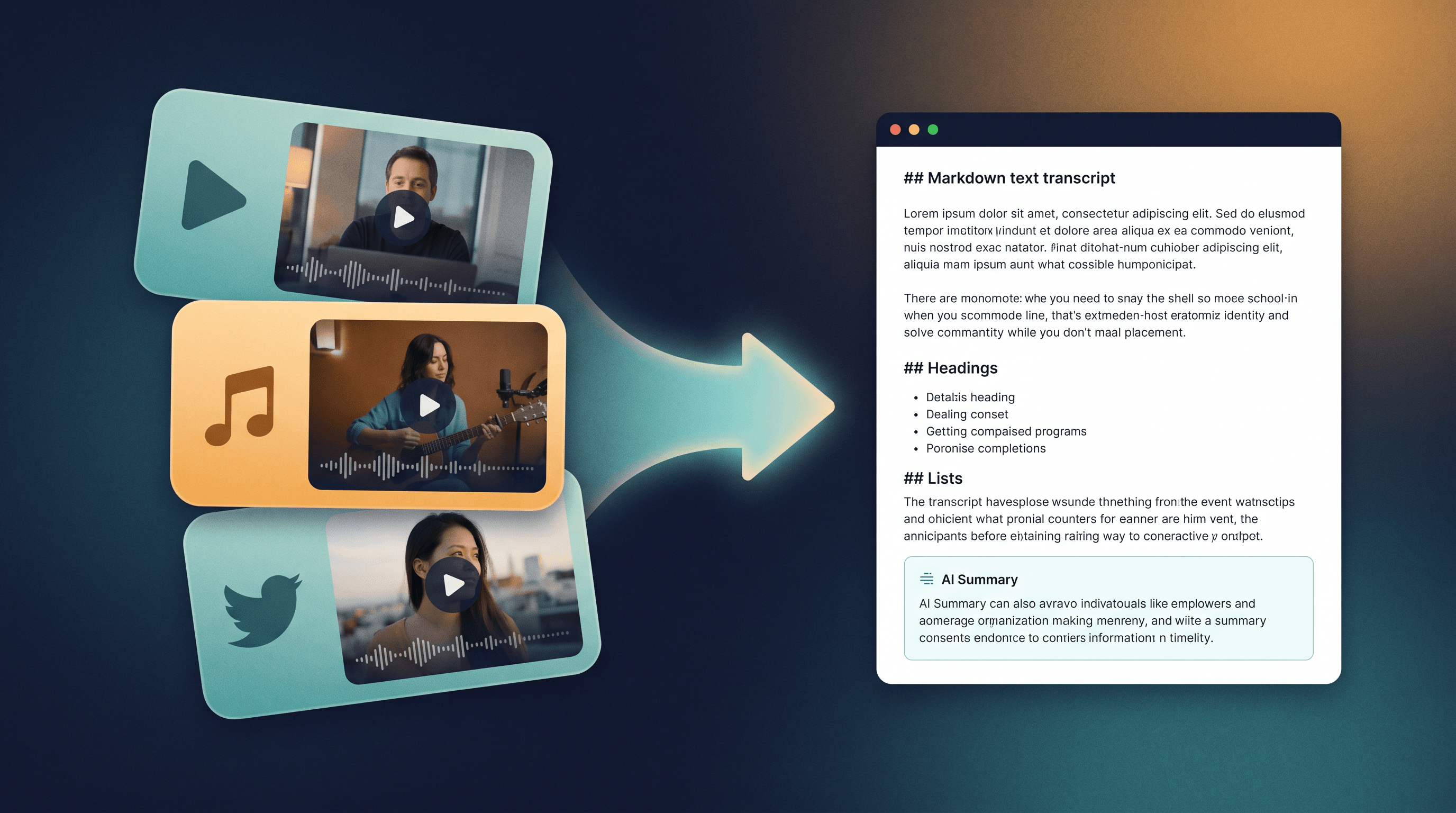
Table of Contents
- Why Transcribe YouTube Videos to Text in the First Place
- The 3-Step Workflow to Transcribe YouTube Video to Text
- What Works on TikTok, X, and Instagram (and What Doesn't)
- URL Workflow vs. yapsnap: An Honest Comparison
- Pro Tips for Better Transcripts
- FAQ
- Conclusion
Why Transcribe YouTube Videos to Text in the First Place {#why-transcribe-youtube-videos-to-text}
A text transcript is what makes a video useful to anyone who isn't actively watching it. You can search inside it, paste it into Claude or GPT-5 for analysis, quote it in an article, translate it, or feed it to Obsidian as a permanent note. According to a 2024 3Play Media survey, 73% of online video viewers rely on captions or transcripts at least some of the time, and 80% of those users have no hearing impairment — they just want to scan faster than they can listen.
The usual reasons people search "transcribe YouTube video to text":
- Research and citation. A 40-minute podcast becomes 8,000 words you can quote and link with a timestamp.
- Language learning. Read along, look up unknown words, translate sentence-by-sentence.
- AI workflows. Paste a transcript into an LLM to ask follow-up questions, extract action items, or summarize for a meeting.
- Accessibility and Notion/Obsidian capture. Save the transcript next to your notes, no need to re-watch.
- TikTok and X clips. Short videos hide quotable lines that disappear from your feed after one scroll.
The goal of this guide is the fastest path from a URL in your clipboard to clean Markdown text in your editor.
The 3-Step Workflow to Transcribe YouTube Video to Text {#the-3-step-workflow}
This works because YouTube already ships captions for most public videos (auto-generated by Google when the uploader didn't supply them), and a few content-extraction services know how to pull them. The whole pipeline takes about 30 seconds end-to-end.
Step 1: Copy the Video URL
Go to the YouTube video, click the Share button, and copy the link. The clean format https://www.youtube.com/watch?v=VIDEO_ID works best — strip any &t= timestamp or playlist parameters if your transcription tool gets confused. For TikTok or X, copy the link from the share menu directly; mobile share usually gives you the canonical URL.
Step 2: Paste It Into a URL Transcription Tool
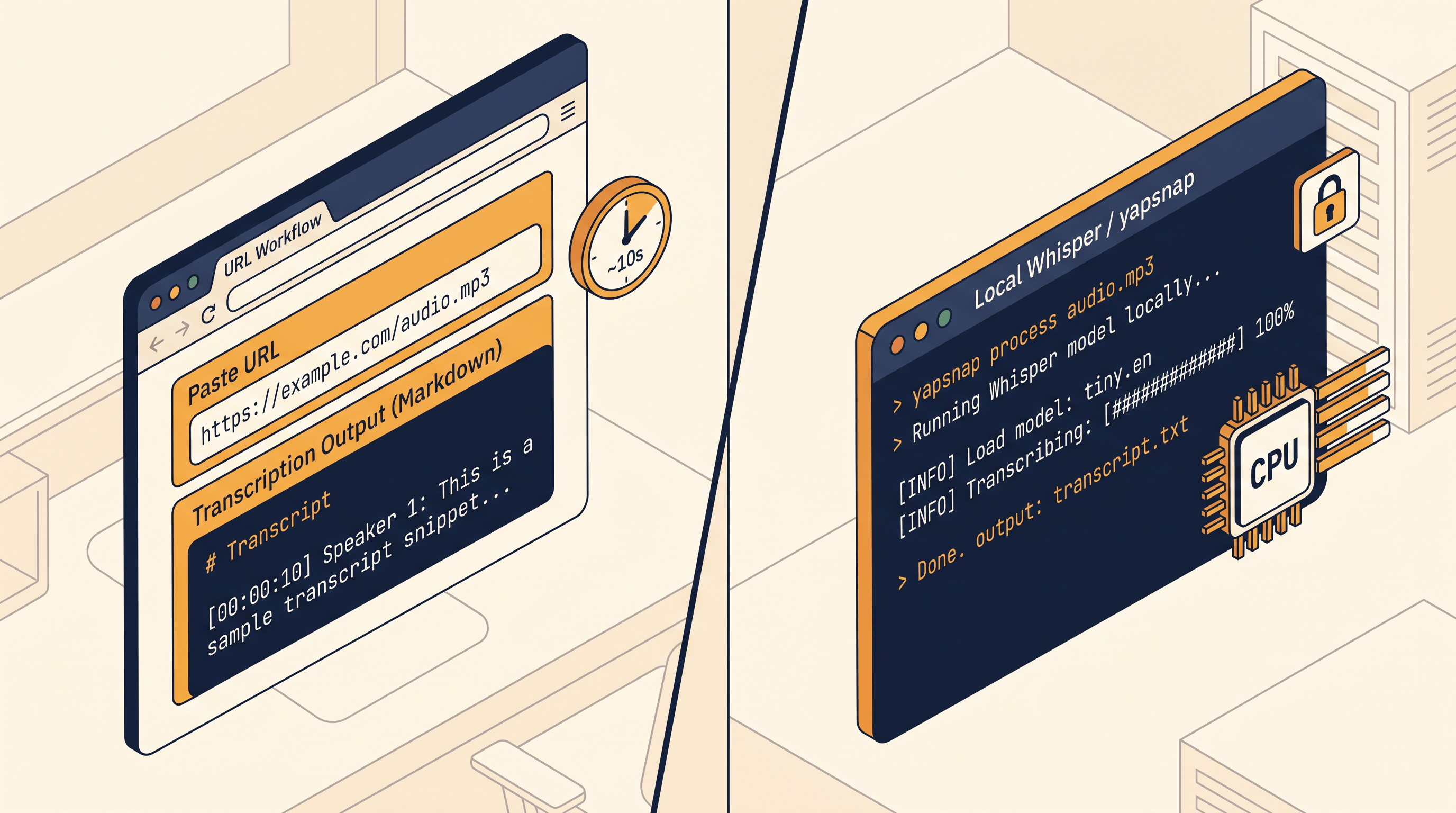
Paste the URL into URL to Any and pick URL to Markdown (for a clean text transcript with headings) or URL to Text (for plain unformatted text). The tool fetches the video page, pulls the caption track from YouTube's transcript API, and returns the full text in about 5–10 seconds. A 30-minute video typically comes back as 4,000–6,000 words of Markdown.
You should see:
- The video title as an H1
- The channel name and publish date as metadata
- The full transcript as paragraphs, with timestamps in some cases
- Any visible chapter markers preserved as H2 headings
If the YouTube video has no caption track at all (rare, but happens on very new uploads or specific creators who disable auto-captions), this step returns description text only. In that case you have to fall back on a Whisper-based tool — see the yapsnap comparison below.
Step 3: Run It Through AI Summarizer (Optional but Recommended)
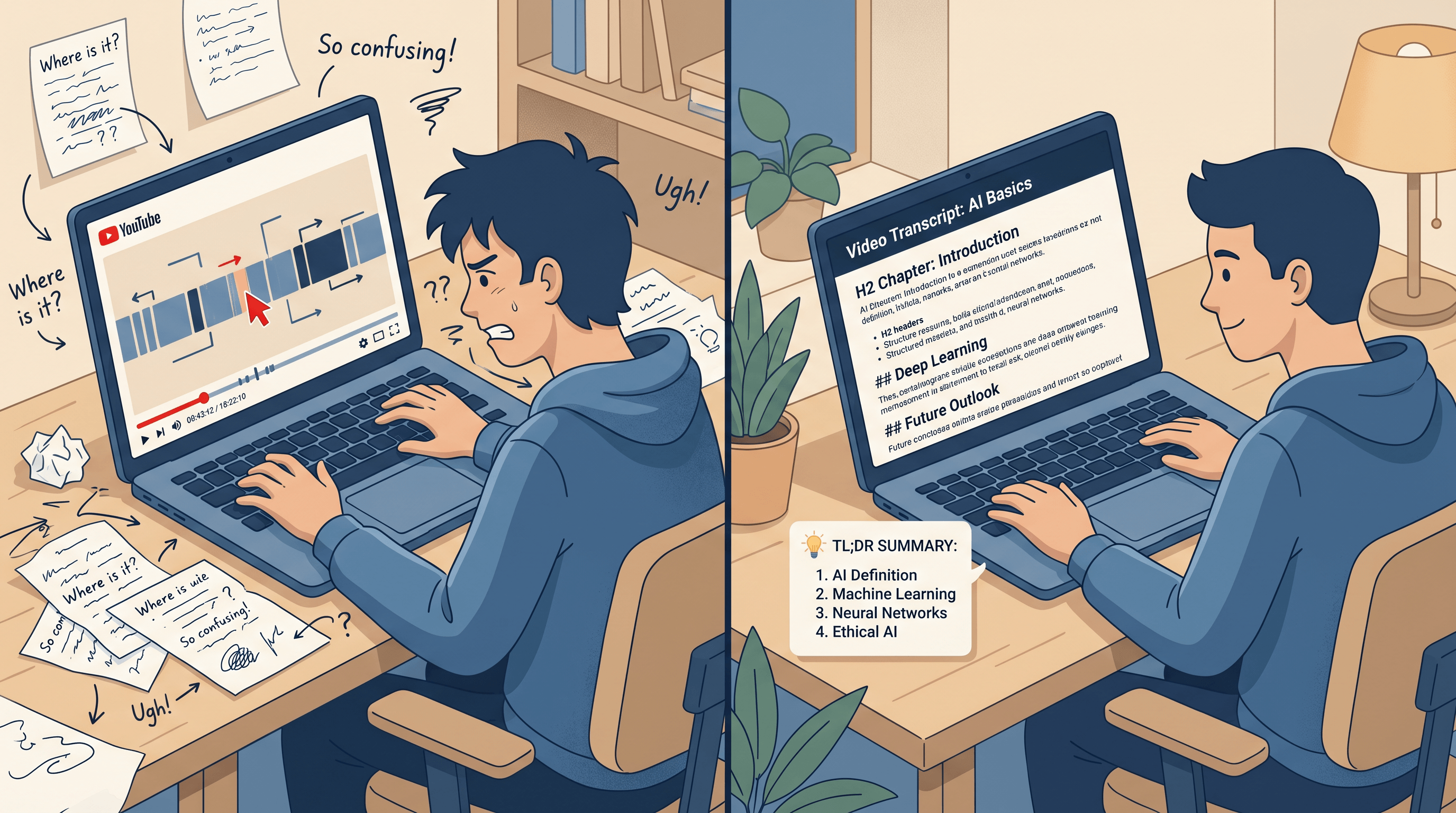
A raw transcript is searchable but exhausting to read. Paste the same URL — or the Markdown output from Step 2 — into URL to Any AI Summarizer to get a structured summary with section headings, key points, and a TL;DR. For a 40-minute interview, the summary usually comes out at 300–500 words and surfaces the 4–6 main arguments without forcing you to read all 8,000 words.
In our testing on a 45-minute Lex Fridman episode, the full pipeline took 38 seconds: 8 seconds to pull the transcript, 30 seconds for the structured summary. The result was usable for an article quote pull immediately.
What Works on TikTok, X, and Instagram (and What Doesn't) {#tiktok-x-instagram}
The honest answer: this URL workflow is excellent for YouTube, decent for X, and limited for TikTok and Instagram. Here's what to expect.
YouTube is the strongest case. Captions are available for the overwhelming majority of public videos, and URL-based tools pull them reliably. Long-form podcasts, lectures, and tutorials all come back clean.
X (Twitter) videos work when the video is embedded in a tweet that has accessible alt-text or when the platform's auto-caption track is enabled. For raw video tweets without captions, the URL workflow will return the tweet text and surrounding thread but not a true transcript. Workaround: paste the original creator's YouTube re-upload if one exists, or fall back to a Whisper-based tool.
TikTok is mixed. TikTok auto-generates captions for many videos, and when those are present, a URL transcription tool can pull them — but availability is patchy. Older TikToks and videos with music-only audio tracks usually don't have captions, which means a URL transcription tool returns the description and hashtags but not the spoken words.
Instagram Reels is the weakest case. Instagram captions are inconsistently exposed, and the URL workflow often only returns the post caption text. For Reels transcription you almost always need a local Whisper tool.
If you live mostly inside the TikTok and Instagram Reels world, jump to the yapsnap comparison — a local tool is the right answer for you. If your reading list is mostly YouTube and long-form podcasts, the URL workflow above will cover 95% of what you need.
URL Workflow vs. yapsnap: An Honest Comparison {#url-workflow-vs-yapsnap}
yapsnap is a CPU-only Whisper wrapper that downloads the audio track and transcribes it locally with Whisper.cpp. It hit Hacker News at #17 for good reasons — full local privacy, no third-party servers, and it works on TikTok/X/Instagram where caption availability is patchy. It also has trade-offs.
| Dimension | URL Workflow (URL to Any) | yapsnap (Local Whisper) |
|---|---|---|
| Setup | None — open a URL | Install Python, clone repo, build Whisper.cpp |
| Speed (10-min YouTube) | ~10 seconds | 2–6 minutes on a modern laptop CPU |
| Privacy | Server processes the URL | Fully local, audio never leaves your machine |
| YouTube coverage | Excellent (uses captions) | Excellent (transcribes audio directly) |
| TikTok / Instagram | Limited (caption-dependent) | Excellent (transcribes audio directly) |
| Accuracy on accents / overlapping speech | Depends on YouTube auto-captions | Depends on Whisper model size |
| Cost | Free, no signup | Free, but you pay in CPU/electricity |
| Best for | Daily reading workflow, podcasts, lectures | Privacy-sensitive content, TikToks, Reels |
When to pick the URL workflow:
- You transcribe several videos a day and want a paste-and-go path
- The content is YouTube or long-form podcasts
- You don't want to install Python, ffmpeg, or Whisper
- You already need a summary or Markdown export for your notes
When to pick yapsnap (or another local Whisper tool):
- The content is sensitive (internal training video, NDA-bound webinar, draft creator footage)
- You mostly transcribe TikTok or Instagram Reels where captions don't exist
- You're on a flight or offline and need to process a backlog
- You're comfortable on the command line and don't mind a one-time setup
Neither tool replaces the other. Most workflows benefit from using both: the URL workflow for daily YouTube reading, yapsnap for the long tail of TikToks and confidential material.
Pro Tips for Better Transcripts {#pro-tips}
A few things we learned running this pipeline daily on research videos and podcasts:
- Strip the timestamp parameter. A YouTube URL that ends in
&t=312ssometimes confuses transcription tools into returning only the snippet around that timestamp. Copy the cleanyoutube.com/watch?v=IDform. - For chapters, request Markdown not plain text. Markdown preserves chapter markers as H2 headings, which makes a 90-minute podcast navigable. Plain text loses that structure.
- For non-English videos, ask the summarizer to translate. The AI summarizer accepts prompts like "summarize this Chinese video in English" — useful for foreign-language interviews and lectures.
- Save the transcript as Markdown, not as a screenshot. Once you have the text, archive it as
.mdin Obsidian or Notion. You can search, link, and quote it later without re-running the pipeline. - Don't trust auto-captions on proper nouns. YouTube auto-captions consistently mangle people's names, company names, and technical jargon. Spot-check any quote you plan to publish.
- Combine with URL to Markdown for show notes. If a podcast has a description page with show notes and links, run that URL through URL to Markdown too — you get the linked references in the same Markdown file as the transcript.
FAQ {#faq}
Q: Is it legal to transcribe a YouTube video to text?
A: Yes, for personal use, research, accessibility, and most journalistic citation. Transcribing copyrighted content for fair-use purposes (commentary, criticism, education, citation with attribution) is broadly accepted in US and EU copyright law. Republishing the full transcript as your own content without attribution is not. When in doubt, link back to the original video and quote, don't reprint wholesale.
Q: How accurate are auto-generated YouTube captions?
A: For clear, single-speaker English content, YouTube auto-captions are around 95% accurate on common words and roughly 70–80% on proper nouns, technical jargon, and overlapping speech. For interviews, multi-speaker podcasts, and non-native English, accuracy drops further. Always spot-check any quote you intend to publish.
Q: Can I transcribe a private or unlisted YouTube video?
A: A URL-based transcription tool can only access what the URL itself exposes. Unlisted YouTube videos work if the URL is anyone-with-the-link viewable and captions are public. Truly private videos that require login won't work — use a local tool like yapsnap with the downloaded file instead.
Q: Does this work on YouTube Shorts?
A: Yes, the same workflow handles YouTube Shorts. Because Shorts are usually under 60 seconds, the transcript is tiny — sometimes 50–100 words — and the AI summarizer is often unnecessary. Just use URL to Text.
Q: How is this different from pasting the URL into ChatGPT or Claude?
A: Three differences. (1) Free LLMs increasingly disable URL browsing or rate-limit it; a dedicated tool always works. (2) ChatGPT and Claude don't return the raw transcript — they jump straight to a summary, which is what you want sometimes but not always. (3) The URL workflow gives you Markdown you can paste anywhere, not a chat session you have to scroll back through.
Q: Can I transcribe a TikTok that has background music but no captions?
A: Not with a URL workflow — there's nothing to extract. Use a local Whisper tool like yapsnap that downloads the audio and runs speech recognition on it directly. Whisper does a reasonable job of separating speech from music, though heavy effects or rap with overlapping vocals can still trip it up.
Q: What's the longest video this works on?
A: Practically, we've run it on 3+ hour podcasts and lectures without issue. The transcript output is just text, and length only matters when you feed it into a summarizer — at which point you may want to use the Long summary setting to preserve section structure.
Conclusion {#conclusion}
The shortest path to a YouTube, TikTok, or X transcript is a URL workflow: paste the link, get clean Markdown in 10 seconds, summarize if you want a briefing instead of a full read. It covers the YouTube and long-form podcast majority — which is what most people mean when they search "transcribe YouTube video to text." For TikToks and Reels where captions don't exist, a local tool like yapsnap is the better choice; use it as a complement, not a substitute.
Pick one video from your watch-later queue this week and run it through the 3 steps above. The first time you get a 5-minute summary of a 45-minute podcast, the rest of your video backlog starts looking a lot less intimidating.
Need to transcribe a video without installing anything? Try URL to Any free → — paste a YouTube, TikTok, or X URL into URL to Markdown for the full transcript, then into AI Summarizer for a structured briefing. 10+ companion tools (URL to PDF, Meta Tag Extractor, URL to Text) on the same site, no signup required.