Deep Think in Practice: Parallel Reasoning With Gemini 3
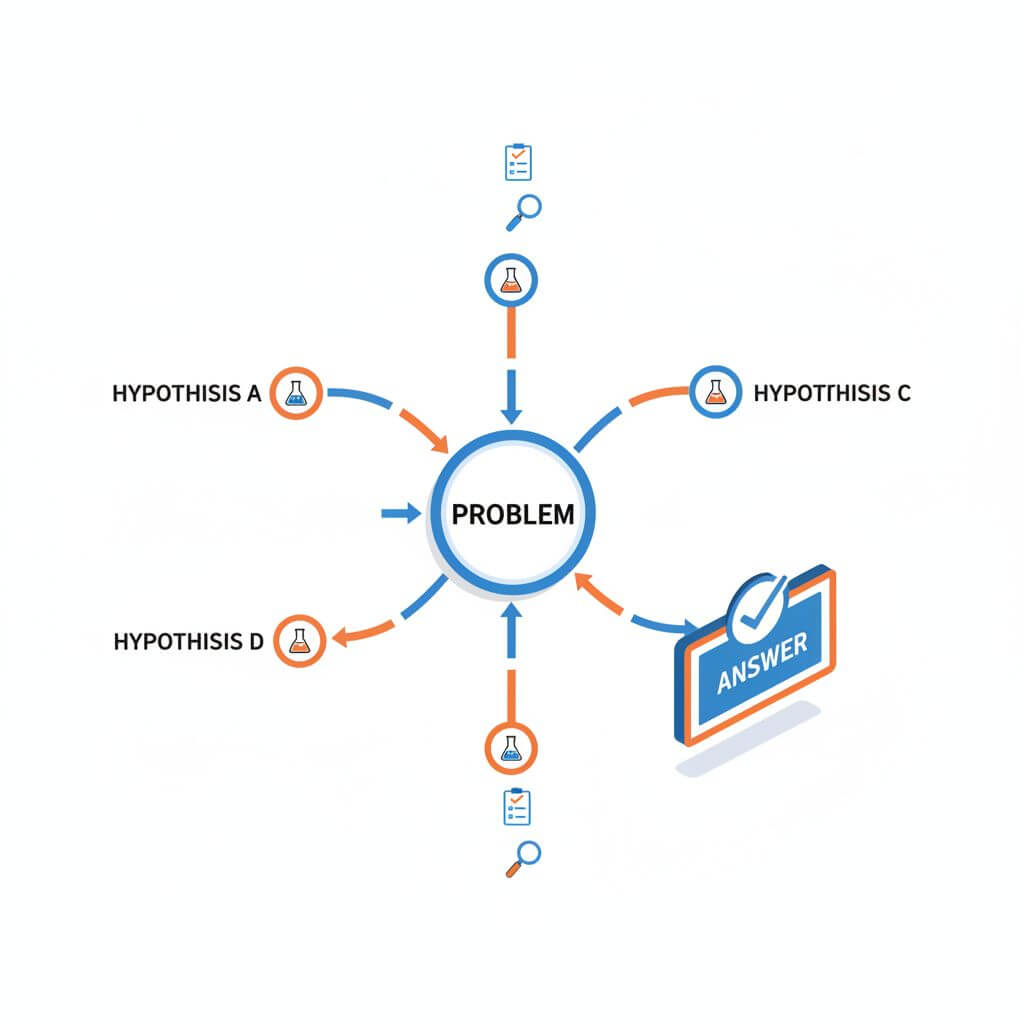
Gemini 3 Deep Think is rolling out to Google AI Ultra subscribers inside the Gemini app, and it’s not just a new toggle — it meaningfully upgrades the model’s ability to reason through complex math, science, and logic problems. On rigorous benchmarks like Humanity’s Last Exam (41.0% without tools) and ARC-AGI-2 (45.1% with code execution), it leads the field. The key insight: advanced parallel reasoning that explores multiple hypotheses at once, rather than marching down a single chain.

- What Deep Think Actually Adds
- How to Prompt for Deliberate Reasoning
- Measuring Progress: Benchmarks vs Reality
- Integrating Deep Think into Daily Workflows
- FAQ
- Conclusion
What Deep Think Actually Adds
Deep Think’s value is not just “more tokens to think.” It changes the search strategy.
Parallel hypothesis exploration
- Instead of linear chain-of-thought, Deep Think branches early, exploring multiple candidate solutions in parallel.
- This reduces error propagation from a single early mistake and increases the chance that at least one branch reaches a correct, consistent solution.
- It also supports code execution where allowed, tightening the loop between reasoning and verification.
Reasoning budget, latency, and stability
- Expect higher latency than a quick chat response; you are buying better search with time.
- In problems with combinatorial structure (proofs, contest math, algorithmic puzzles), gains are tangible; in mundane tasks (email drafting), the overhead may not be worth it.
- Stability improves because competing hypotheses can be cross-checked before a final answer is composed.
When it shines — and when it won’t
- Shines: nontrivial algebra, dynamic programming reasoning, invariants, constructive proofs, debugging with multiple suspected fault lines.
- Won’t help much: purely factual lookup, short-context classification, or tasks bounded by missing domain context rather than search quality.
How to Prompt for Deliberate Reasoning
Parallel reasoning benefits from explicit structure. Give the model a skeleton, then let it branch.
A practical scaffold
Use this template when the problem is complex enough to justify Deep Think:
- Assumptions: list knowns/unknowns.
- Constraints: equations, bounds, invariants.
- Hypotheses: generate 2–4 distinct approaches.
- Plan: choose a primary approach, a backup, and a stopping rule.
- Tests: define checks or unit tests.
- Solve: execute the plan; if fail, switch to backup.
- Verify: run tests; explain any discrepancies.
Sample prompt:
“Use Deep Think. Structure your reasoning as Assumptions → Constraints → 3 Hypotheses → Plan → Solve → Verify. Provide a short decision matrix to pick the best hypothesis. Then produce the final answer with a concise justification and a minimal set of test cases.”
Encourage comparisons and self-checks
- Ask for a decision matrix: criteria like correctness likelihood, time complexity, and assumptions required.
- Request synthetic counterexamples: “Provide one scenario where your solution would fail.”
- For code: “Write minimal property-based tests to validate the core invariants.”
Measuring Progress: Benchmarks vs Reality
Benchmarks are useful, but only if you mirror your real workload.
What HLE and ARC-AGI-2 really test
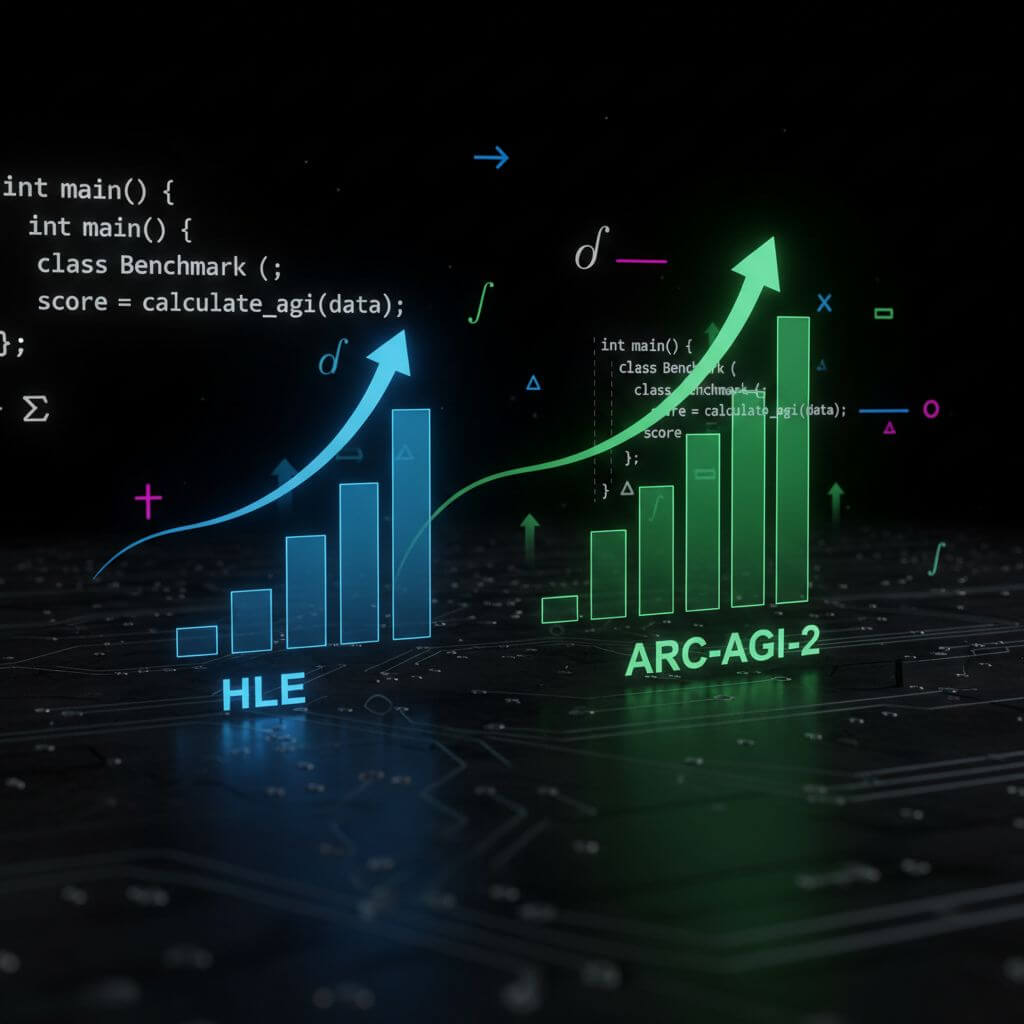
- Humanity’s Last Exam (HLE): diverse, reasoning-heavy questions; measures robust multi-step reasoning without tool use. A 41.0% score is strong given the no-tools constraint.
- ARC-AGI-2: abstract pattern recognition and program synthesis with code execution; 45.1% is unprecedented and reflects improved search plus verification.
Pitfalls when interpreting scores
- Distribution shift: your domain (finance/medicine/compilers) may not resemble benchmarks. Expect different error modes.
- Tooling gap: if your environment disallows code execution, ARC-like gains may shrink.
- Variance: stochastic sampling can swing results; run multiple seeds and average.
Build a lightweight evaluation harness
- Create a 30–50 item, hand-curated test set that reflects your tasks (with gold answers or oracles).
- Run batched evaluations at fixed settings (temperature, top-p, context size).
- Track three metrics: exact correctness, consistency under paraphrase, and verification pass rate (e.g., unit tests/constraints passed).
Integrating Deep Think into Daily Workflows
For engineers
- Architecture decisions: ask for competing designs and risk tables; request a migration plan with “rollback triggers.”
- Algorithms and proofs: prompt for invariants, complexity analysis, and adversarial inputs.
- Debugging: have it propose multiple fault hypotheses; ask for the smallest reproducible example and tests.
For data scientists and analysts
- Feature design: compare 2–3 target encodings, list leakage risks, propose ablation studies.
- Experiment planning: elicit power analyses and pre-registration checklists.
- Causal inference: force assumptions (SUTVA, ignorability), draw DAGs, and request falsification strategies.
For students and researchers
- Problem sets: use Deep Think for solution strategies and verification, then write your own final proofs; disclose AI assistance per policy.
- Literature analysis: ask for conflicting hypotheses from multiple papers and a unifying explanation.
Operational safety and privacy
- Don’t paste secrets or production credentials. Redact inputs.
- Prefer sandboxed code execution.
- Archive reasoning and results for auditability; version prompts alongside outputs.
Related resources: If you need to archive model outputs or web references as clean Markdown/PDF/images for reproducibility, consider using URL to Any (https://urltoany.com/).
FAQ
-
How do I enable Deep Think?
In the Gemini app for Google AI Ultra subscribers, select “Deep Think” in the prompt bar and “Gemini 3 Pro” as the model. -
Does Deep Think always give better answers?
No. It helps when the bottleneck is search/verification. For simple tasks, the extra latency isn’t worth it. -
What sampling settings are sensible?
Start with temperature 0.2–0.5 for math/logic, 0.7–0.9 for ideation. Keep them fixed during evaluation. -
How do I get verifiable results?
Ask for tests, constraints, and counterexamples. Where possible, let the model run code in a sandbox and show outputs. -
Can I reduce hallucinations?
Constrain the space: specify allowed assumptions, request citations with quotes, and penalize unsupported claims in your rubric. -
How should I report AI assistance?
Follow institutional policies. Disclose the tool, settings, and which parts of the work were AI-assisted. -
How do I keep costs/latency in check?
Use Deep Think only on the hardest steps. Summarize context first, then invoke deeper reasoning selectively.
Conclusion
Deep Think’s parallel hypothesis search and tighter verify loops mark a real advance in practical reasoning. Treat it as a disciplined collaborator: give it structure, demand tests and counterexamples, and evaluate it against the problems you actually face. Used this way, Gemini 3 Deep Think will not just write longer thoughts — it will help you make better decisions under uncertainty.