What Is an Adaptive PDF? A 2026 Guide
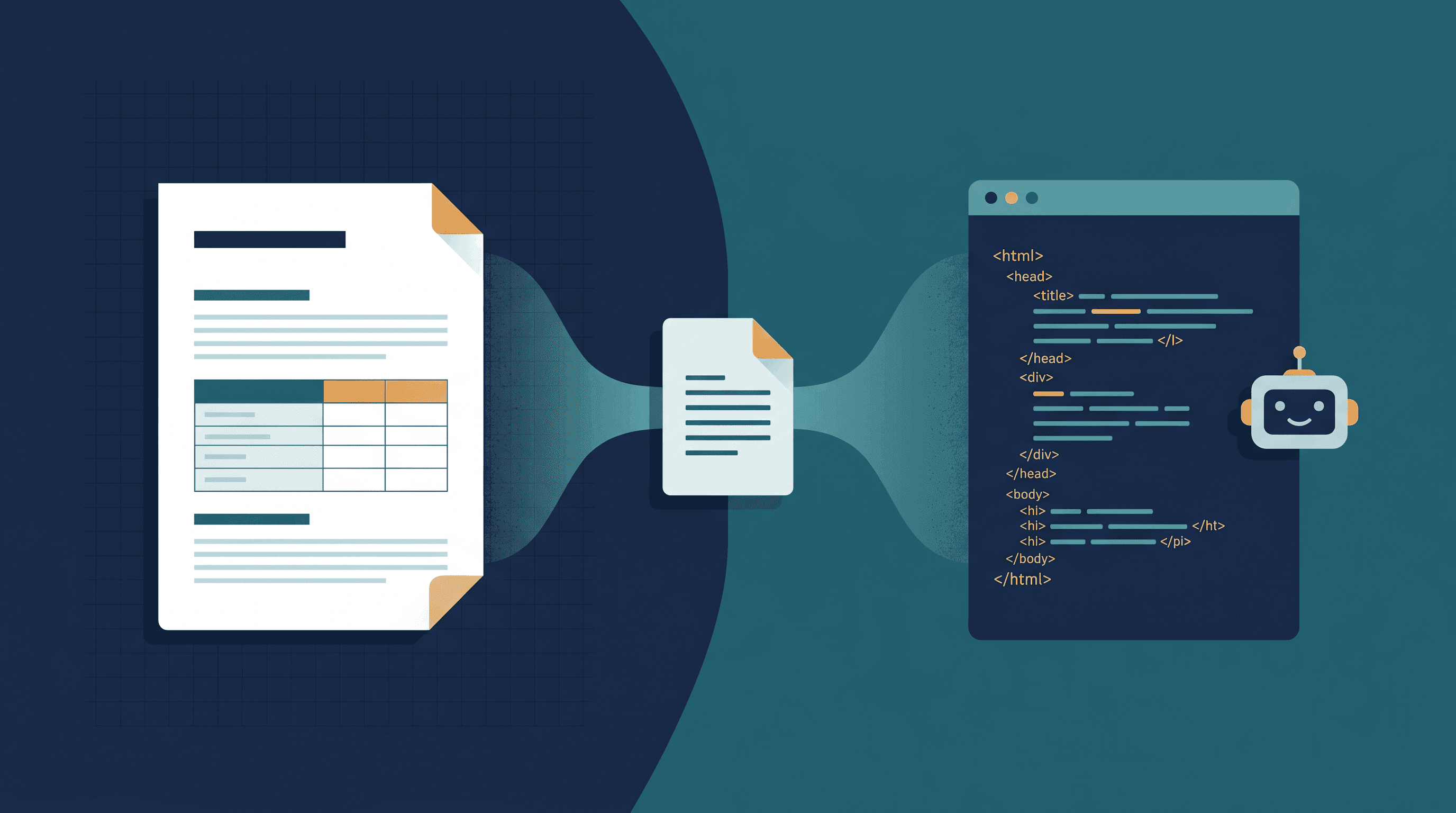
You save a web article as a PDF to read offline. On your laptop it looks perfect. Then you open it on your phone — tiny text, sideways scrolling — or you drop it into an LLM and get back a wall of broken lines, scrambled tables, and stray page numbers. The same file behaves three different ways, and none of them is what you wanted.
That gap is why "adaptive PDF" started trending on Hacker News in June 2026. This guide explains what an adaptive PDF actually is, how it differs from a responsive PDF and a plain web page PDF, and how to save web pages in a form that works for both people and machines. Last updated: June 13, 2026.
On this page:
- What Is an Adaptive PDF?
- How Does an Adaptive PDF Work?
- Adaptive PDF vs Responsive PDF vs Web Page PDF
- Real-World Applications
- How to Save a Web Page as a Readable PDF
- FAQ
What Is an Adaptive PDF?
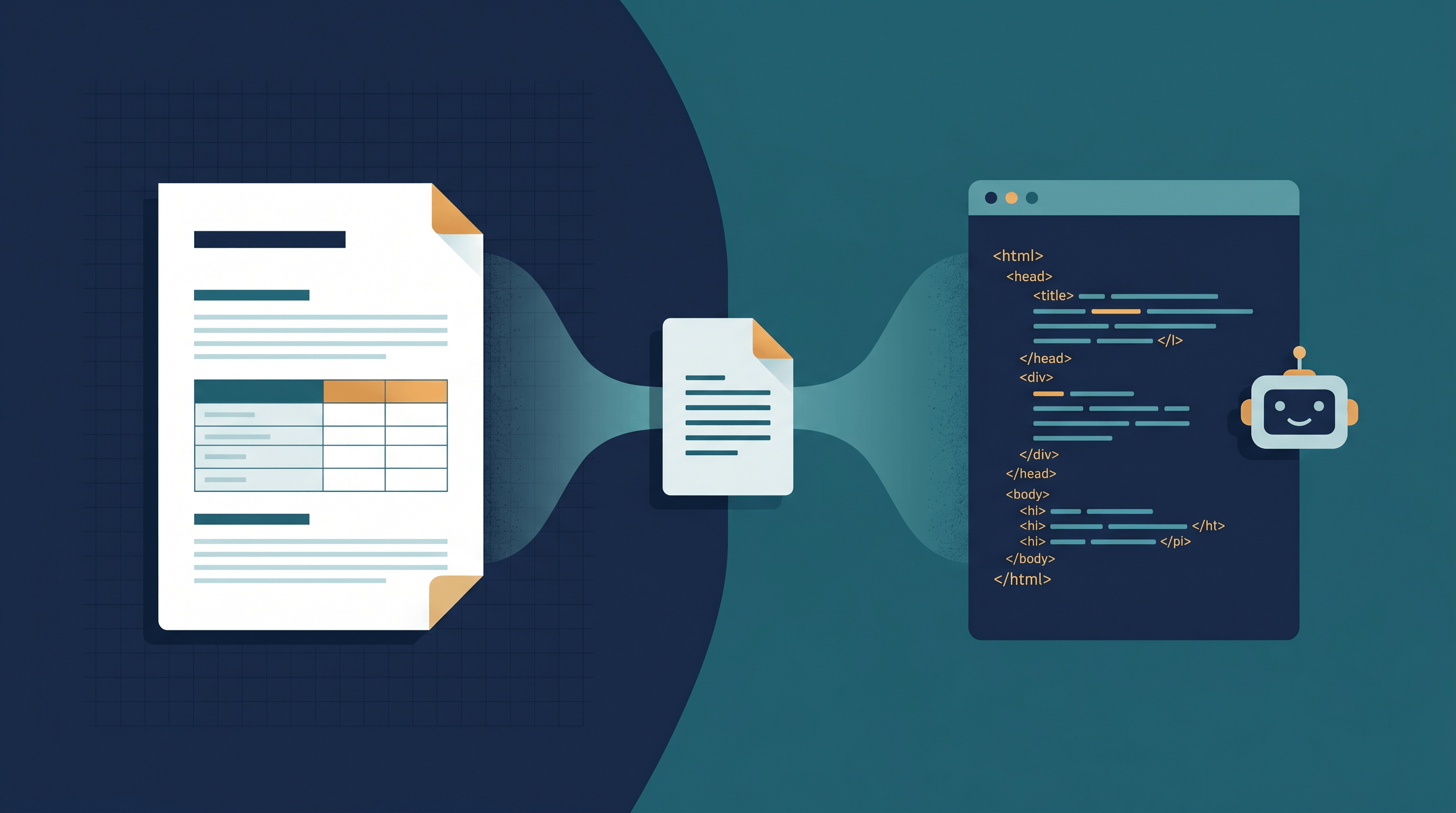
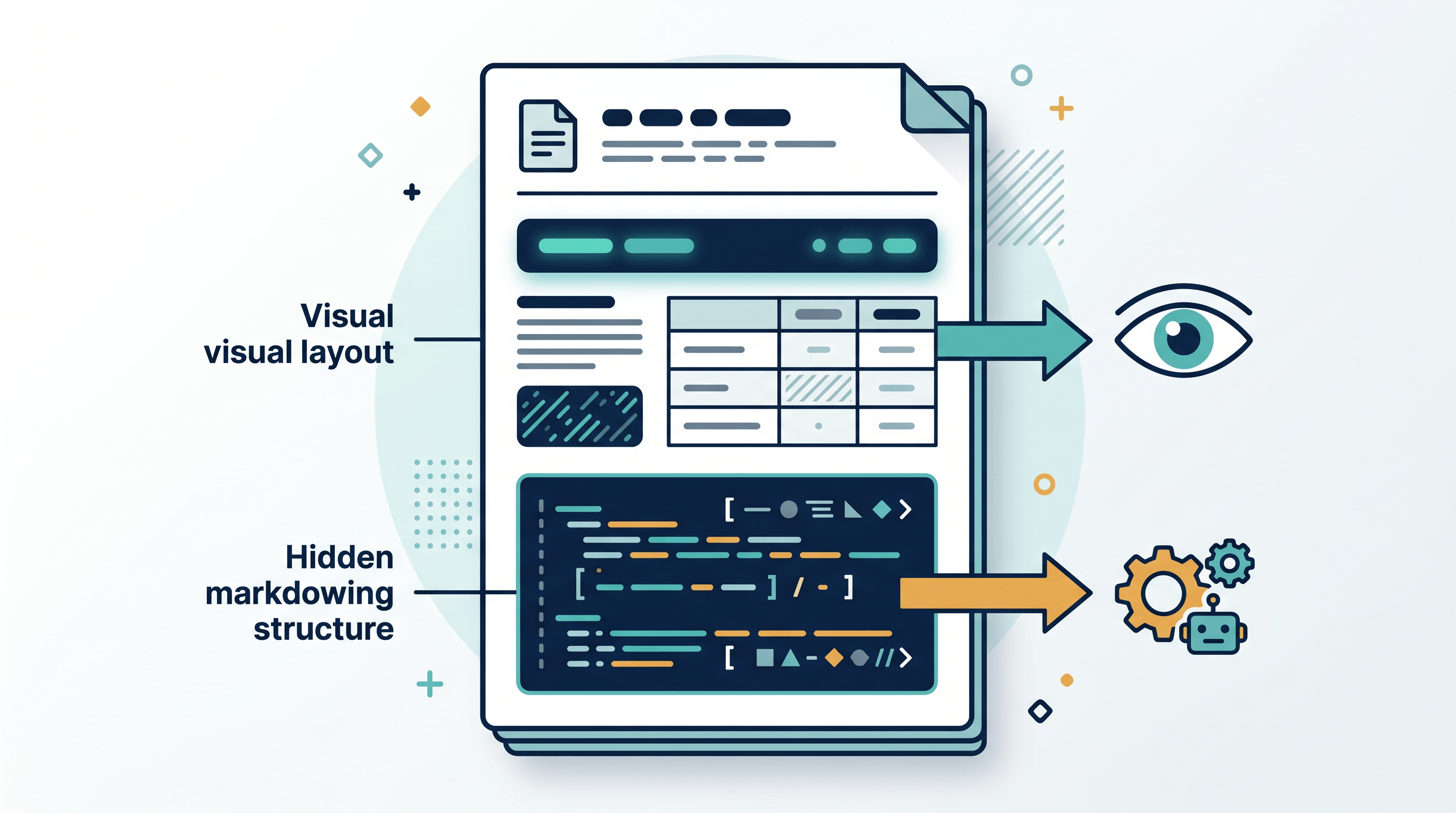
An adaptive PDF is a PDF that serves different representations of the same document to different consumers — a polished visual layout for human readers, and clean, structured text (usually Markdown) for machines that extract it. The page you see on screen never changes; what changes is what a program reads out of the file.
The term jumped into wider use in June 2026 after a Hacker News discussion of an article titled "Adaptive PDFs" by Sarthak Gaud. The problem it tackles is an old asymmetry: a PDF can look immaculate to a person and still extract as a mess of broken columns, merged tables, and stray headers when a script or an LLM tries to read it. An adaptive PDF closes that gap by embedding a clean, machine-friendly version of the content inside the same file.
One clarification came up again and again in that thread, and it matters. An adaptive PDF in this sense does not look different on different screens. As one commenter put it, the PDF will not actually look different — it is text extraction that now returns structured text. "Adaptive" here means adapting to the reader (human or machine), not adapting to the screen. That single distinction is what separates an adaptive PDF from the responsive and web page PDFs people tend to confuse it with.
The idea landed now for a simple reason: documents increasingly feed two audiences at once. The same report a person reads on screen also gets pasted into ChatGPT or indexed by a search pipeline. An adaptive PDF is an attempt to make one file serve both without compromise.
How Does an Adaptive PDF Work?
Under the hood, an adaptive PDF leans on features that have been in the PDF specification for years but are rarely used well. The main one is replacement text — the ActualText property — which lets a tagged element carry a machine-readable string that differs from its visual rendering. A table can render as a grid for the eye while exposing clean rows and headers to an extractor; a styled callout can render as a colored box while extracting as a Markdown blockquote.
The basic flow looks like this:
- Tag the content. The document is built as a tagged PDF, so headings, paragraphs, lists, and tables carry real structural roles instead of being loose runs of text.
- Attach replacement text. Each structural element gets an
ActualText(or equivalent) value holding its clean, structured form — often Markdown. - Render for humans. Viewers display the normal visual layout, exactly as designed.
- Extract for machines. Tools that honor the structure pull the replacement text instead of guessing from glyph positions, returning tidy Markdown.
The catch, also raised on Hacker News, is reliability: the approach only works when the extractor honors the replacement-text property. It works with popular PDF libraries but fails with OCR, which reads pixels and never sees the embedded text. Adaptive PDFs also overlap with standards built for structure — tagged PDF and PDF/UA for accessibility, PDF/A for archiving, and ZUGFeRD for embedding structured invoice data — so the idea is less a brand-new format than a fresh use of capabilities the format already had.
Adaptive PDF vs Responsive PDF vs Web Page PDF
These three terms get swapped around constantly, but they solve different problems. An adaptive PDF adapts to the reader; a responsive PDF adapts to the screen; a web page PDF adapts to nothing — it is a fixed snapshot.
| What it adapts to | How it works | Best for | Main limitation | |
|---|---|---|---|---|
| Adaptive PDF | The reader (human vs machine) | Tagged structure + replacement text returns clean Markdown on extraction | Documents that feed both people and LLMs | Only works if the extractor honors tags; breaks under OCR |
| Responsive / reflow PDF | The screen size | A viewer (e.g. Adobe Liquid Mode) reflows text into one column for small screens | Reading long PDFs on phones | Reflow happens in the viewer, not the file; results vary by app |
| Web page PDF | Nothing — fixed layout | A web page is printed to a fixed-size PDF snapshot | Archiving, sharing, offline reading | Fixed page size; messy extraction; no reflow |
A few notes keep these straight:
- Responsive PDF is mostly a viewer trick. Adobe's Liquid Mode in Acrobat Reader uses AI to reflow a PDF into a single, expandable column for mobile reading. The underlying file is unchanged — only the rendering adapts. FlexPaper and similar tools offer comparable reflow on the web.
- Web page PDF is what most people make every day with "Print → Save as PDF." It freezes a page exactly as it looked, at a fixed paper size. Reliable and universal, but it inherits the format's core trait: PDF is a fixed-layout format built for visual fidelity, so a saved web page does not reflow and often extracts poorly.
- Adaptive PDF is the newest idea and the narrowest in practice. It does not fix mobile reading and it does not change appearance — it fixes machine extraction.
Real-World Applications
Where does an adaptive — or simply cleaner — PDF actually help?
- Feeding documents to LLMs. Analysts who drop PDFs into ChatGPT or Claude lose accuracy when tables and columns extract as noise. A structurally clean PDF, or a Markdown export, keeps the model focused on content instead of layout artifacts.
- RAG and knowledge bases. Retrieval pipelines that index PDFs need predictable text. Structured extraction means cleaner chunks and better retrieval quality.
- Accessibility. The same tagging that powers adaptive extraction also drives screen readers. A well-tagged document is more usable for people with visual impairments, in line with PDF/UA guidance.
- Archiving and compliance. Standards like PDF/A and ZUGFeRD embed structured data so a document stays both readable and machine-parseable years later.
- Mobile reading. For long reports read on a phone, reflow (responsive) viewing beats pinch-and-zoom on a fixed page.
How to Save a Web Page as a Readable PDF
Most people who search for "adaptive PDF" do not need to author one — they want a web page saved as a clean PDF they can read, share, or hand to an AI. You can get most of the benefit with two simple exports instead of a custom adaptive format.
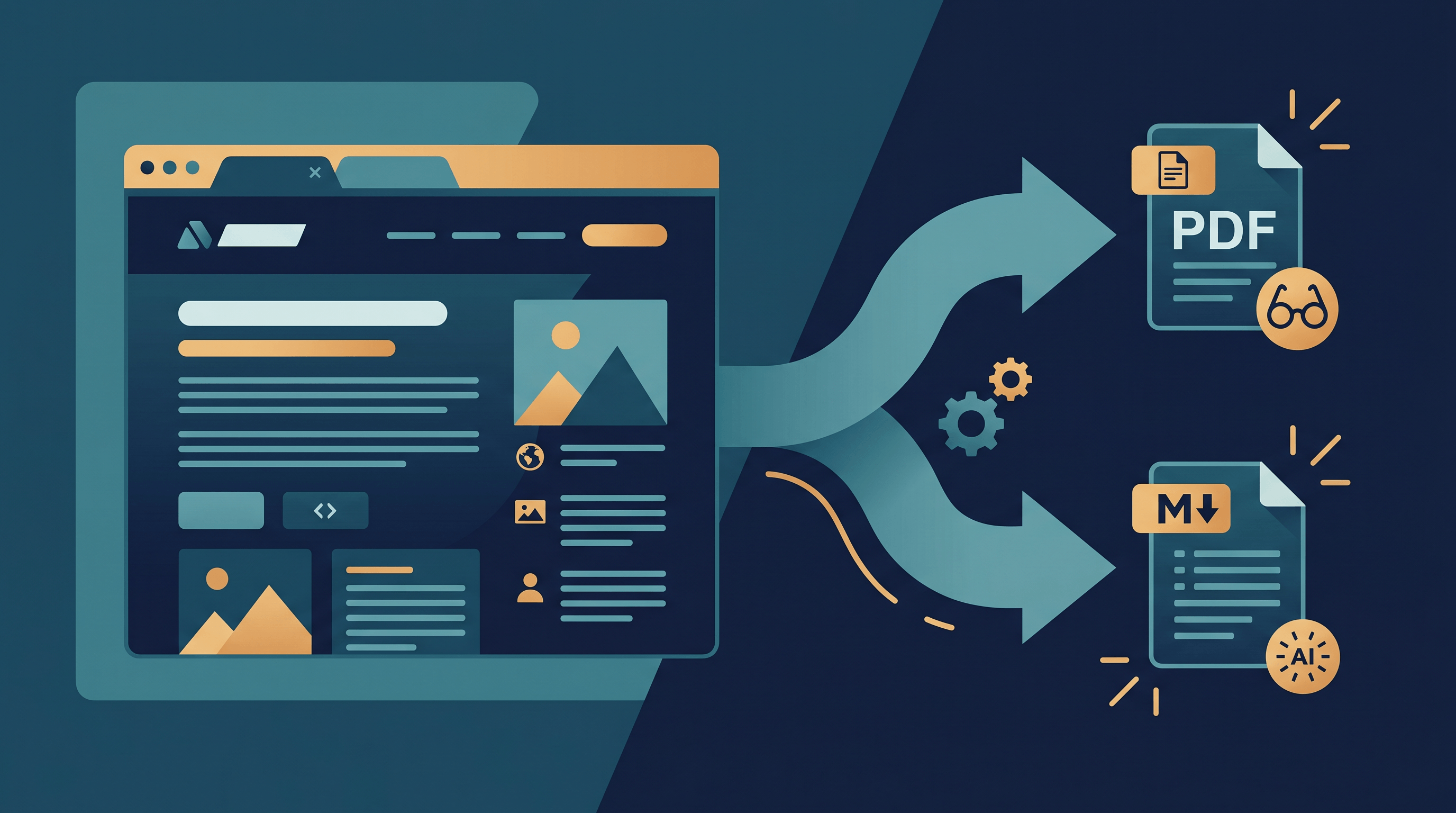
For a readable, shareable copy, convert the URL to PDF. Paste the page link into URL to Any and choose PDF — it strips navigation, ads, and pop-ups and produces a clean reading copy in a few seconds, no signup. That handles the "web page PDF" job well, and the result is far cleaner than a raw browser print. (For a step-by-step walkthrough, see our guide on how to convert a webpage to PDF.)
For the machine-readable side — the actual point of an adaptive PDF — skip the PDF and export the same page to Markdown. URL to Any's URL to Markdown converter returns clean, structured text that LLMs read far better than text extracted from a PDF. Running both gives you the spirit of an adaptive PDF in practice: one polished copy for people, one clean copy for machines — without depending on a viewer or extractor honoring embedded tags.
To be clear about what this is and isn't: URL to Any saves web pages as standard, clean PDF and Markdown files. It does not generate a single ISO-style adaptive PDF with embedded replacement text. For most "save this page so I can read it and feed it to AI" tasks, two clean exports are simpler and more reliable than one clever file.
FAQ
What is an adaptive PDF in simple terms?
An adaptive PDF is a PDF that shows a normal visual layout to people but hands clean, structured text — usually Markdown — to any machine that extracts it. The look stays the same; only what software reads out of the file changes.
What's the difference between an adaptive PDF and a responsive PDF?
An adaptive PDF adapts to the reader: it returns clean text for machines while looking unchanged to humans. A responsive (or reflow) PDF adapts to the screen: a viewer like Adobe Liquid Mode reflows text into one column for small displays. One changes extraction; the other changes on-screen rendering.
Can a PDF be truly responsive like a web page?
Not natively. PDF is a fixed-layout format built for print-like visual fidelity, so it does not reflow on its own. Responsiveness comes either from the viewer (reflow modes) or from converting the content to a flexible format like HTML or Markdown.
Why do PDFs extract so badly into LLMs?
Most PDFs store text as positioned glyphs without structure, so extractors have to guess at columns, tables, and reading order — and often guess wrong. Tagged or adaptive PDFs, or a Markdown export, give the machine real structure instead of pixel positions.
How do I save a web page as a PDF that reads well?
Use a converter that cleans the page first. Paste the URL into a tool like URL to Any, choose PDF for a readable copy or Markdown for AI use, and it removes clutter before exporting.
Conclusion
An adaptive PDF is a clever fix for one specific problem — making a document that looks right to people also extract cleanly for machines — not a way to make PDFs responsive or screen-friendly. Keep the three apart: adaptive adapts to the reader, responsive adapts to the screen, and a web page PDF is a fixed snapshot. For everyday work you rarely need to build an adaptive PDF; a clean PDF export plus a Markdown export covers both audiences.
Want to save a web page as a clean PDF or AI-ready Markdown? Try URL to Any free → — 10+ conversion tools, no signup required.