URL to Markdown Converter: Clean Web Data for AI
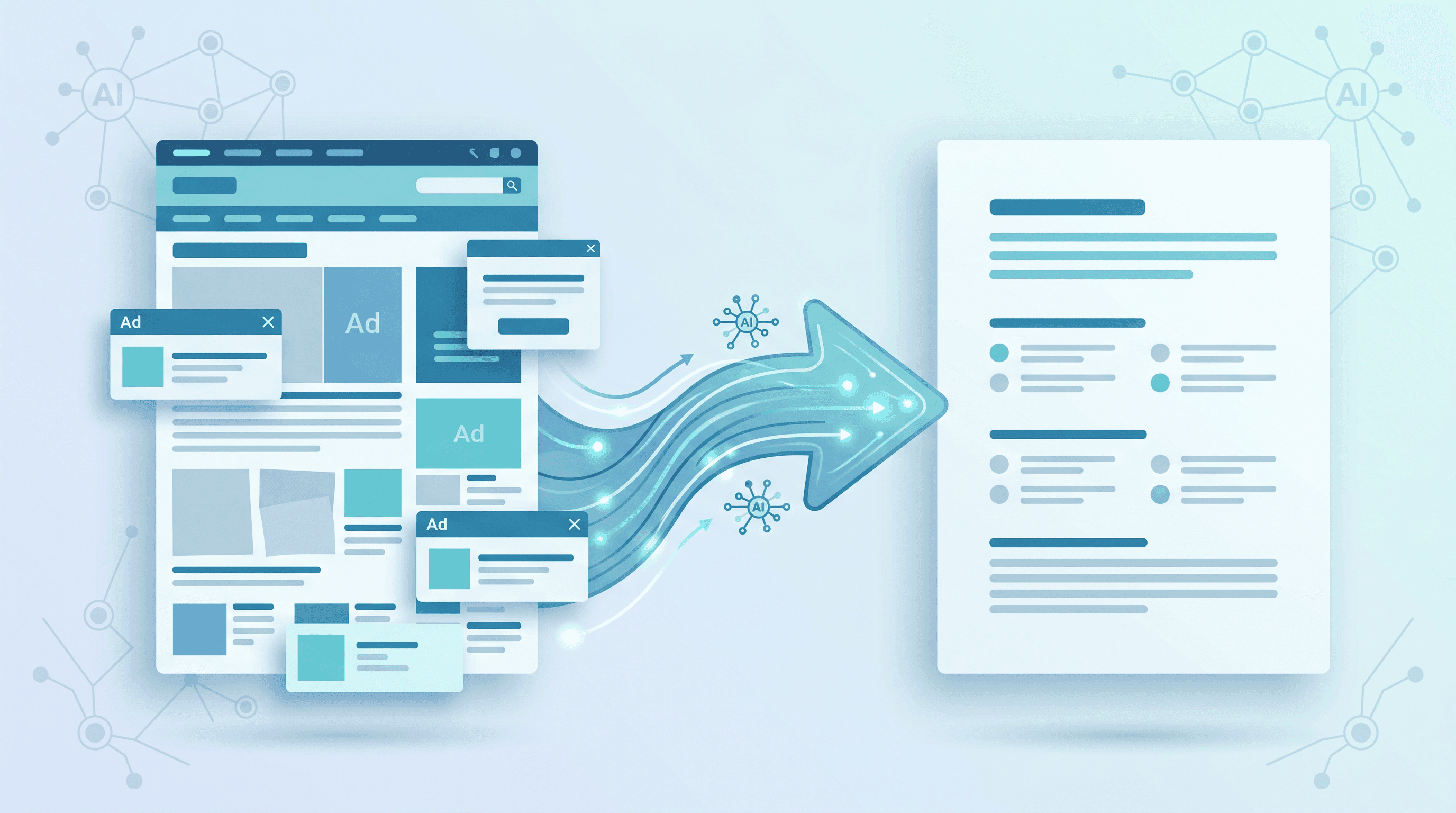
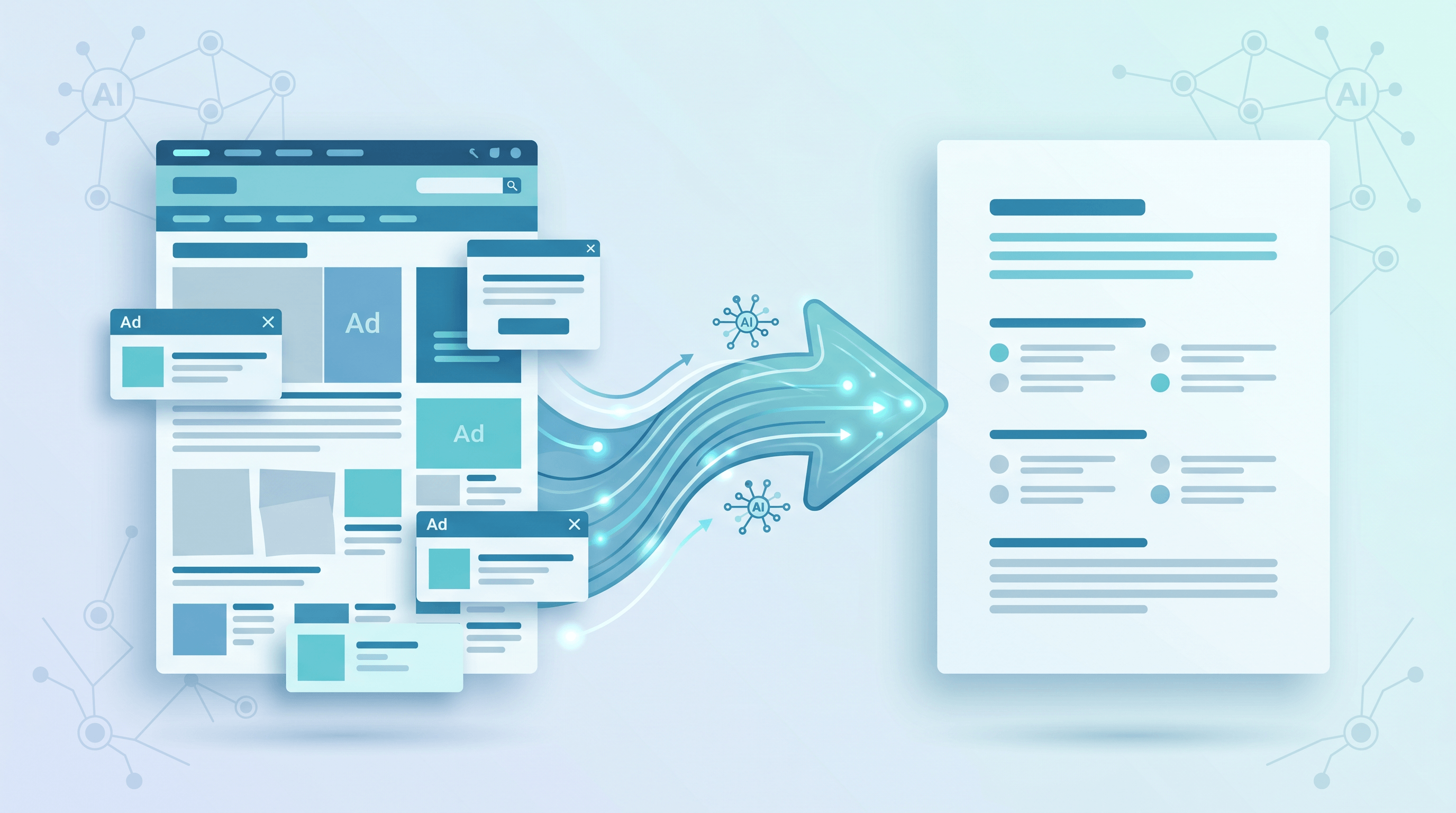
You found the perfect documentation page, a dense research article, or a competitor's pricing breakdown — and you want to feed it to an LLM. So you copy the whole page and paste it into ChatGPT. Half of it is navigation menus, cookie banners, and footer links. The model burns tokens on junk, and your answer quality drops.
Clean web data is now the bottleneck for anyone building with AI. This guide shows you how to convert any URL to Markdown — the format LLMs read best — so you can prepare clean context for prompts, RAG pipelines, and knowledge bases in seconds. Last updated: May 31, 2026.
On this page:
- Why convert web pages to Markdown for AI?
- Step-by-step guide
- Pro tips for cleaner AI data
- FAQ
- Conclusion
Why Convert Web Pages to Markdown for AI?
Markdown is the cleanest input format for large language models because it preserves structure — headings, lists, tables, links — using plain text, with almost no token overhead. Raw HTML wastes 60-90% of your tokens on tags and inline styles the model doesn't need.
The shift is visible across the AI tooling ecosystem. Microsoft's markitdown library has crossed 130K stars on GitHub, and newer parsers like run-llama/liteparse are trending precisely because "convert messy formats to Markdown" became a foundational step in nearly every AI workflow. When models read Markdown, three things improve at once:
- Token efficiency. A stripped Markdown version of an article is typically 3-5x smaller than its raw HTML, so you fit more real content inside the context window and pay less per request.
- Retrieval quality. In RAG systems, clean headings and paragraph boundaries make chunking far more accurate. Garbage navigation text creates noisy embeddings that pollute your search results.
- Reproducibility. Markdown files are plain text. You can version them in Git, diff them, and store them in any knowledge base without lock-in.
Three real use cases
Prompt context. When you ask a model to "summarize this competitor page" or "extract the API parameters from these docs," the cleaner the input, the better the output. Pasting Markdown instead of raw HTML or a copy-pasted mess means the model spends its attention on content, not on parsing menus. We've seen answer accuracy noticeably improve just by switching the input format — same model, same question.
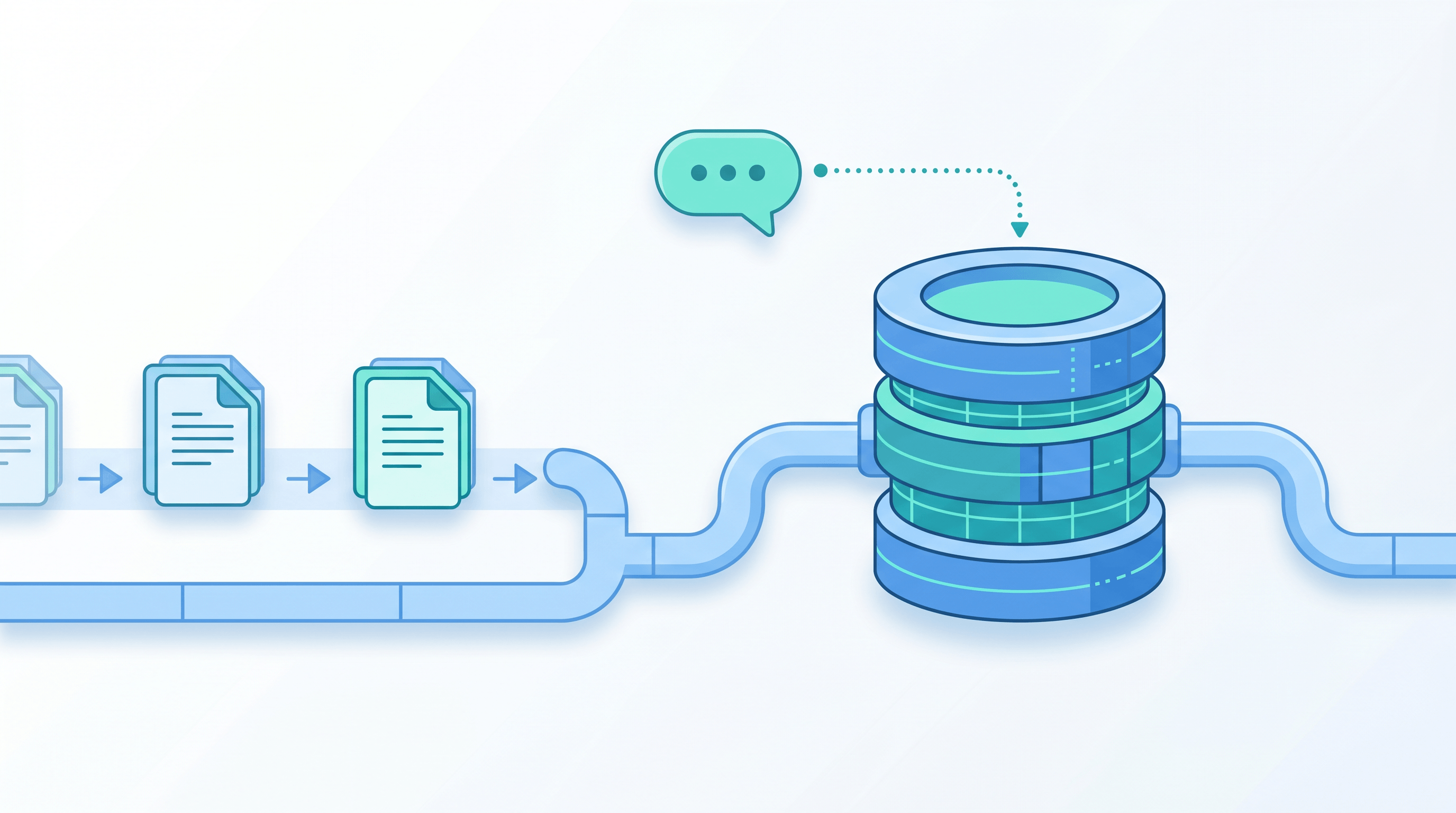
RAG knowledge base. Most production RAG pipelines start with ingestion: pull a source, clean it, chunk it, embed it. Markdown is the natural intermediate format because headings give you semantically meaningful chunk boundaries for free. Convert 50 documentation pages to Markdown, chunk on ## and ###, and your retrieval quality jumps compared to splitting raw HTML on character count.
Content archiving. Bookmarks rot. SaaS read-later apps shut down. A folder of Markdown files is future-proof: searchable with grep, versionable in Git, and portable to any tool you adopt next year. Converting articles to Markdown as you read builds a personal corpus you can later feed to an LLM as your own private knowledge base. If you use a Markdown app like Obsidian, see our guide on importing web pages into an Obsidian knowledge base.
Step-by-Step Guide
Converting a URL to Markdown takes under a minute. The steps below work whether you need a single page for a prompt or a batch of sources for a knowledge base.
Step 1: Identify the page you want to capture
Pick the canonical URL of the content — the article page itself, not a category or search-results page. For documentation, grab the specific section URL. If the page is behind a login, you'll need an authenticated method (covered in the FAQ); public pages work with any converter.
Expected result: a single clean URL on your clipboard, e.g. https://example.com/docs/getting-started.
Step 2: Choose a conversion method
You have three realistic options, depending on volume and skill level:
| Method | Best for | Setup | Speed |
|---|---|---|---|
| Online converter | One-off pages, non-developers | None | ~2 seconds |
| Open-source library (markitdown, liteparse) | Local batch jobs, full control | Python + install | Varies |
| Browser extension / clipper | Saving while reading | Install extension | Instant |
For most prompt-prep and quick knowledge-base tasks, an online converter is the fastest path because there's nothing to install and the output is already cleaned.
Step 3: Convert the URL to Markdown
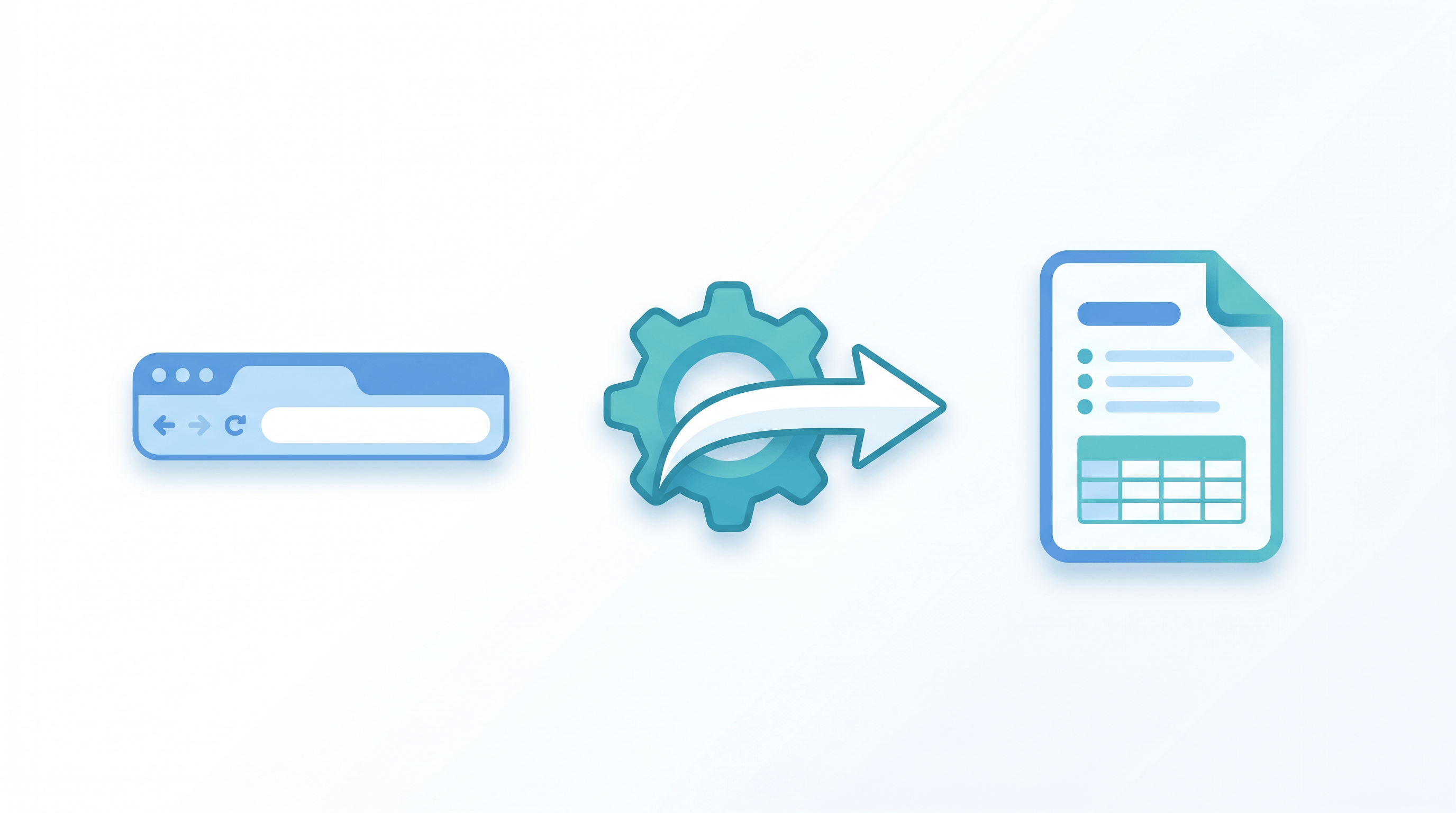
Paste the URL into a URL to Markdown converter and select Markdown as the output. A no-install option is URL to Any — paste the link, choose Markdown, and the conversion takes about 2 seconds, stripping nav, ads, and boilerplate automatically. If you prefer code, run markitdown <url> locally for the same result inside a script.
Expected result: clean Markdown with the article's headings, body text, lists, and tables intact — and the page chrome gone.
Step 4: Review and trim the output
Skim the Markdown. Remove any leftover "Subscribe" blocks or related-article lists the parser missed. For RAG, this is where you confirm headings are intact — they become your chunk boundaries.
Expected result: a focused document containing only the content you actually want the model to read.
Step 5: Feed it to your AI workflow
Drop the Markdown directly into a prompt, save it as a .md file for your RAG ingestion pipeline, or commit it to your knowledge base. Because it's plain text, it slots into LangChain, LlamaIndex, or a raw API call without conversion.
Expected result: clean, token-efficient context your model can actually use.
For a quick sanity check, compare token counts before and after. Run the raw HTML and the converted Markdown through a tokenizer (OpenAI's tiktoken, or any model playground that shows token usage). A typical long-form article drops from ~12,000 tokens of HTML to ~3,000 tokens of Markdown — a 4x reduction that translates directly into lower API cost and more room for the model to reason.
Pro Tips for Cleaner AI Data
- Strip images for text-only LLMs. If your model isn't multimodal, removing image references saves tokens and avoids broken-link noise in embeddings.
- Keep tables as Markdown tables, not screenshots. In our testing, models answer tabular questions far more accurately from a real Markdown table than from a pasted image or flattened text.
- Preserve heading hierarchy for RAG. Don't collapse
##and###into bold text. Many chunkers split on heading levels, so flattening them hurts retrieval. - Batch with a consistent naming scheme. When archiving many URLs, name files
domain-slug.mdso your knowledge base stays searchable and deduplicated. - Add source frontmatter. Prepend
source_urland a capture date to each file. When an LLM cites a chunk, you can trace it back to the original page.
FAQ
What is the best format to feed web content to an LLM?
Markdown is the best general-purpose format. It keeps document structure with minimal token cost, parses reliably, and works across every major model and RAG framework. Plain text loses structure; HTML wastes tokens.
Is converting a URL to Markdown free?
Yes. Open-source libraries like markitdown are free to run locally, and online tools such as URL to Any convert pages to Markdown for free with no signup. You only pay if you need very high-volume API access.
Does URL to Markdown work for RAG knowledge bases?
It's one of the most common RAG ingestion steps. Convert each source URL to Markdown, chunk on headings, embed, and store. Clean Markdown produces cleaner chunks and more accurate retrieval than raw HTML scraping.
How do I convert a page that requires login?
Public pages convert with any tool. For authenticated content, use a browser extension or clipper that runs in your logged-in session, or a library that accepts cookies. Most server-side converters can only reach public URLs.
Can I convert many URLs at once?
Yes. For batches, use a library like markitdown in a loop, or an online tool that supports multiple URLs. Keep a consistent file-naming scheme so your knowledge base stays organized.
Why not just scrape the raw HTML and let the model parse it?
Models can parse HTML, but it's wasteful and error-prone. HTML burns tokens on tags, tracking scripts, and layout markup, and inconsistent page structures make reliable extraction hard. Converting to Markdown first gives you a predictable, compact format — cheaper, faster, and more accurate at scale.
Conclusion
Clean data is the quiet differentiator in every AI project. Converting web pages to Markdown gives your model structured, token-efficient input — which means cheaper requests, better RAG retrieval, and a knowledge base you actually own. The workflow is short: pick the URL, convert to Markdown, trim the output, and feed it to your pipeline.
Start with one page from your current project and watch how much cleaner the model's answers get.
Need to turn web pages into clean Markdown, PDF, or other AI-ready formats? Try URL to Any free → — 10+ conversion tools, no signup required.